Table of Contents
ToggleCinema HD Firestick: How to Install, Set Up, and Stream on Fire TV
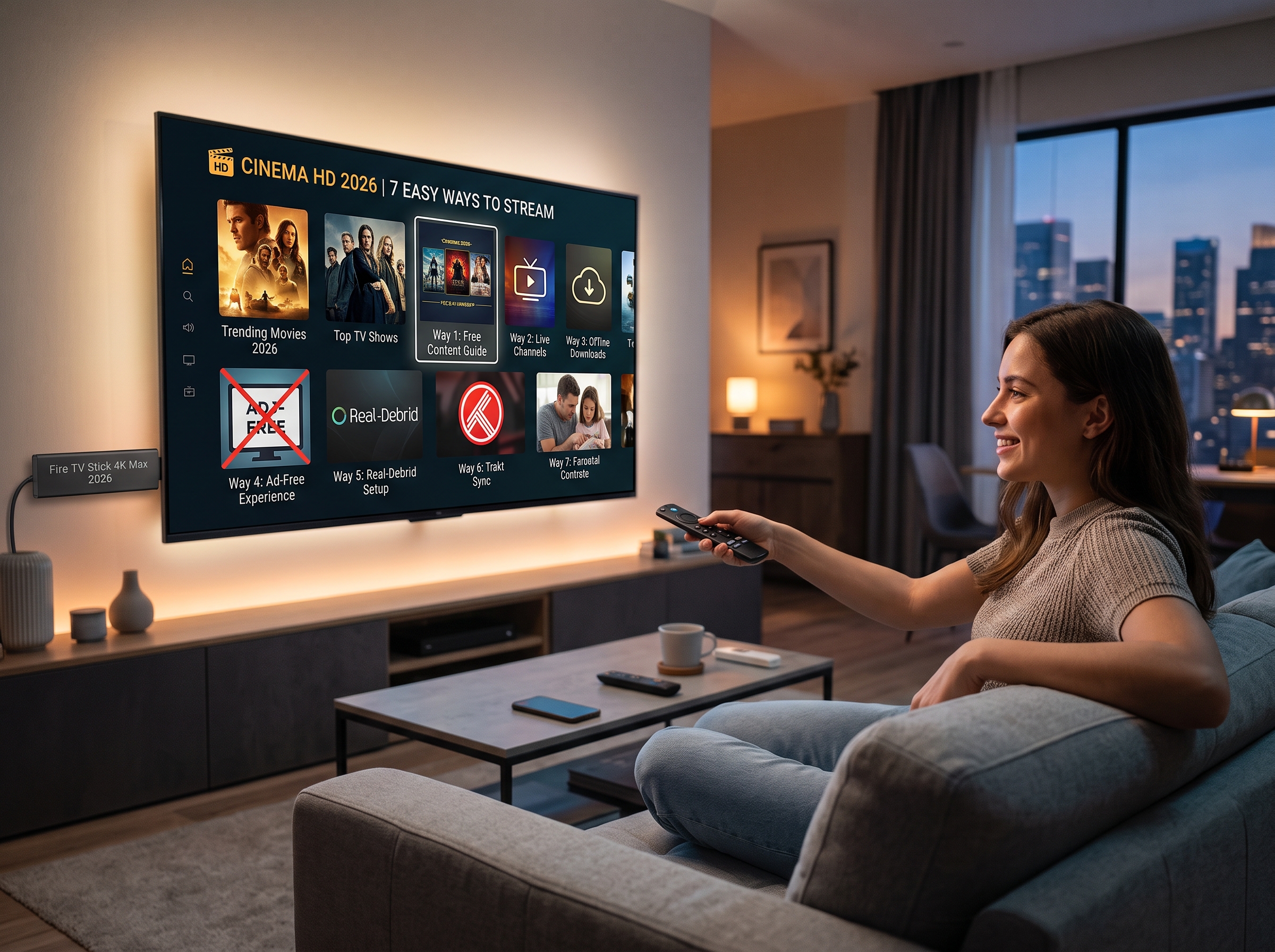
Cinema HD Firestick remains a popular search topic among Fire TV users looking for a convenient way to organize and access streaming content from one application. With a simple interface, category-based browsing, and support for Fire TV devices, Cinema HD can be an interesting option for users who want an alternative streaming interface.
This guide explains how Cinema HD works on Firestick, how to prepare a Fire TV device, how to install applications safely, and how to improve the overall streaming experience. It also covers important considerations regarding content sources, app permissions, privacy, and reliable streaming.
Important: Cinema HD is a third-party application. Users should only access content they are legally entitled to watch and should verify the legality and availability of any content in their location.
What Is Cinema HD for Firestick?
Cinema HD for Firestick refers to using the Cinema HD application on Amazon Fire TV devices, including compatible Fire TV Stick models. The application is designed around a straightforward streaming interface where users can browse available movies and television content.
The main attraction is its relatively simple navigation. Instead of moving through numerous menus, users can typically browse categories, search for titles, review information about available content, and select a source when one is provided.
For Firestick owners, the appeal is largely related to convenience. A television-based interface makes it easier to navigate with the Fire TV remote, while the application can be used alongside other legitimate streaming services installed on the same device.
Can Cinema HD Be Used on a Firestick?
Compatibility can depend on the Fire TV device, operating system, application version, and installation method. Third-party applications may also change over time, meaning an installation method that works today may not necessarily remain identical in the future.
Before installing any third-party application, it is sensible to check:
Whether the application is compatible with your Fire TV model
Whether the application is from a trustworthy source
What permissions the application requests
Whether the application is currently maintained
Whether the content you intend to watch is legally available to you
Keeping the Firestick software updated can also improve device stability and compatibility with supported applications.
How to Prepare Your Firestick
Before attempting to install a third-party application, make sure the Firestick has a stable internet connection and enough available storage.
Start by connecting the Firestick to your television and completing the normal Amazon setup process. Connect the device to your Wi-Fi network and install available system updates.
A stable connection is particularly important for streaming. Even a well-configured application can experience interruptions when the Wi-Fi signal is weak or the internet connection is congested.
For better performance, place the Firestick where it receives a strong wireless signal. If possible, avoid placing the device behind large electronic equipment or inside an enclosed cabinet.
Cinema HD Firestick Installation Considerations
Unlike applications distributed directly through the official Amazon Appstore, third-party applications may require a different installation process. Fire TV versions and Amazon’s security settings can change, so users should avoid relying on outdated installation tutorials.
When an application is not available through the official store, users should carefully verify the source before downloading an installation file.
A safe installation approach includes:
Verify the application source.
Avoid unknown download pages and suspicious advertisements.
Do not install modified applications from untrusted sources.
Review requested permissions.
Scan downloaded files when appropriate.
Keep the Firestick and applications updated.
Remove applications that are no longer maintained or trusted.
These steps are particularly important because third-party APK files can potentially contain unwanted software.
How to Improve Cinema HD Streaming on Firestick
Once a streaming application is installed, performance depends on more than the application itself. The Firestick’s available storage, Wi-Fi quality, internet speed, and background processes can all affect playback.
Use a Stable Internet Connection
A strong Wi-Fi connection is one of the most important factors for smooth streaming. If playback repeatedly pauses or buffers, test the internet connection on another device.
If several devices are simultaneously using the same network, bandwidth can become limited. Temporarily reducing heavy downloads, cloud backups, or other high-bandwidth activities may improve performance.
Clear Unnecessary Cache
Applications can accumulate temporary files over time. If the Firestick becomes sluggish, reviewing application storage and clearing unnecessary cached data can sometimes help.
However, clearing application data is different from clearing cache. Application data may remove saved preferences or account information, so it should only be used when necessary.
Maintain Free Storage
Fire TV devices have limited internal storage. Installing too many applications can reduce available space and contribute to slower performance.
Removing applications that are no longer needed is a simple way to maintain adequate storage.
Cinema HD Search and Navigation
One reason users search for Cinema HD Firestick tutorials is the application’s straightforward navigation.
Depending on the application version, users may encounter categories for movies, television programs, genres, favorites, search, and other sections.
The search function can be particularly useful when users already know the title they want to find. Instead of scrolling through large categories, entering a title can reduce the time required to locate it.
When several versions of a movie or television episode are available, users should consider factors such as video quality, audio quality, file size, language, subtitles, and source reliability.
Most importantly, the availability of a source does not automatically mean that the content is legally authorized. Content rights vary by country and provider.
Is Cinema HD Legal?
The legality of a streaming application and the legality of individual content sources are separate questions.
An application may function as a technical interface, while the legality of a particular movie, series, or other media depends on copyright ownership, licensing agreements, distribution rights, and local laws.
Users should therefore make sure that the content they access is authorized for streaming in their jurisdiction.
Official streaming platforms remain the safest option when the goal is to ensure that movies and television programs are obtained through licensed distribution channels.
Cinema HD Firestick Alternatives
Firestick users have numerous legitimate options for streaming entertainment. Depending on location, available subscriptions may include services such as Netflix, Prime Video, Disney+, Apple TV, Max, Paramount+, or local streaming platforms.
The right combination depends on the user’s preferred content, budget, country, and available device support.
Using official applications also provides advantages such as automatic updates, established customer support, and clearer licensing arrangements.
For users who want to combine several services, Fire TV’s interface can make it easier to organize applications and access different entertainment platforms from one television.
Using IPTV on Firestick
Another common reason people search for Cinema HD Firestick is that they are interested in expanding their Fire TV entertainment setup.
IPTV is a technology for delivering television content over an internet connection. Unlike traditional terrestrial, satellite, or cable distribution, IPTV can deliver streams through IP networks.
However, IPTV itself does not determine whether particular content is authorized. The legality depends on the service provider and the rights associated with the channels or programs being distributed.
When selecting an IPTV service, users should look for clear information about licensing, supported devices, subscription terms, privacy, customer support, and content availability.
Why Choose IPWAVETV for Firestick Streaming?
For users exploring IPTV options for compatible Fire TV setups, IPWAVETV provides information about its streaming service and subscription options.
The service can be contacted directly through WhatsApp for questions about available packages, compatibility, and service information.
Contact IPWAVETV: Chat with IPWAVETV on WhatsApp
Before subscribing to any IPTV provider, users should confirm that the channels and content they intend to access are properly authorized in their region.
Cinema HD Firestick Troubleshooting
If an application does not work correctly, several basic troubleshooting steps can help identify the problem.
First, restart the Firestick. A simple restart can resolve temporary memory or connection problems.
Next, check the internet connection. If other applications are also experiencing buffering, the issue may be related to the network rather than Cinema HD.
Users can also check available storage and remove applications they no longer use. If the application itself has stopped working after a Fire TV update, the version may no longer be compatible.
Another useful step is checking whether the application developer has released an updated version. Avoid downloading replacement APK files from random websites simply because an application has stopped functioning.
Privacy and Security Tips for Firestick Users
Security should remain a priority when installing applications outside official app stores.
Never provide sensitive information to an unknown application simply because it requests it. Be cautious with applications requesting unnecessary access to device features.
Users should also avoid entering payment information into unofficial websites unless the provider’s identity and payment process have been independently verified.
A VPN can provide privacy benefits by encrypting internet traffic, but it does not make unauthorized copyrighted streaming legal. A VPN should therefore be considered a privacy tool rather than a solution for copyright restrictions.
Cinema HD Firestick: Frequently Asked Questions
Can Cinema HD run on Firestick?
Compatibility depends on the Firestick model, operating system, and current version of the application. Third-party applications can also become incompatible after device or software updates.
Does Cinema HD require an internet connection?
Yes. Streaming applications require an internet connection to retrieve and play online media.
Why does Cinema HD buffer on Firestick?
Buffering can result from weak Wi-Fi, network congestion, insufficient bandwidth, overloaded sources, application problems, or device performance issues.
How can Firestick streaming quality be improved?
Use a stable internet connection, maintain sufficient storage, keep the Firestick updated, close unnecessary applications, and use reliable and authorized streaming sources.
Is every movie or show available through Cinema HD legal to stream?
No. Availability through an application does not establish that a particular movie or television program is legally authorized for streaming. Users should verify content rights and local laws.
Final Thoughts on Cinema HD Firestick
Cinema HD Firestick searches continue to attract attention because Fire TV provides a convenient platform for accessing streaming applications from a television.
However, successful streaming involves more than simply installing an application. Device compatibility, internet performance, storage, application security, privacy, and content licensing all matter.
For the best experience, Firestick users should maintain their devices properly, use trusted software sources, and choose streaming services that provide authorized access to the content they want to watch.
For information about IPTV services and available options, users can contact IPWAVETV directly through WhatsApp: https://wa.me/447453416715.