Table of Contents
ToggleBest IPTV Player in 2026: Let Me Save You the Headache
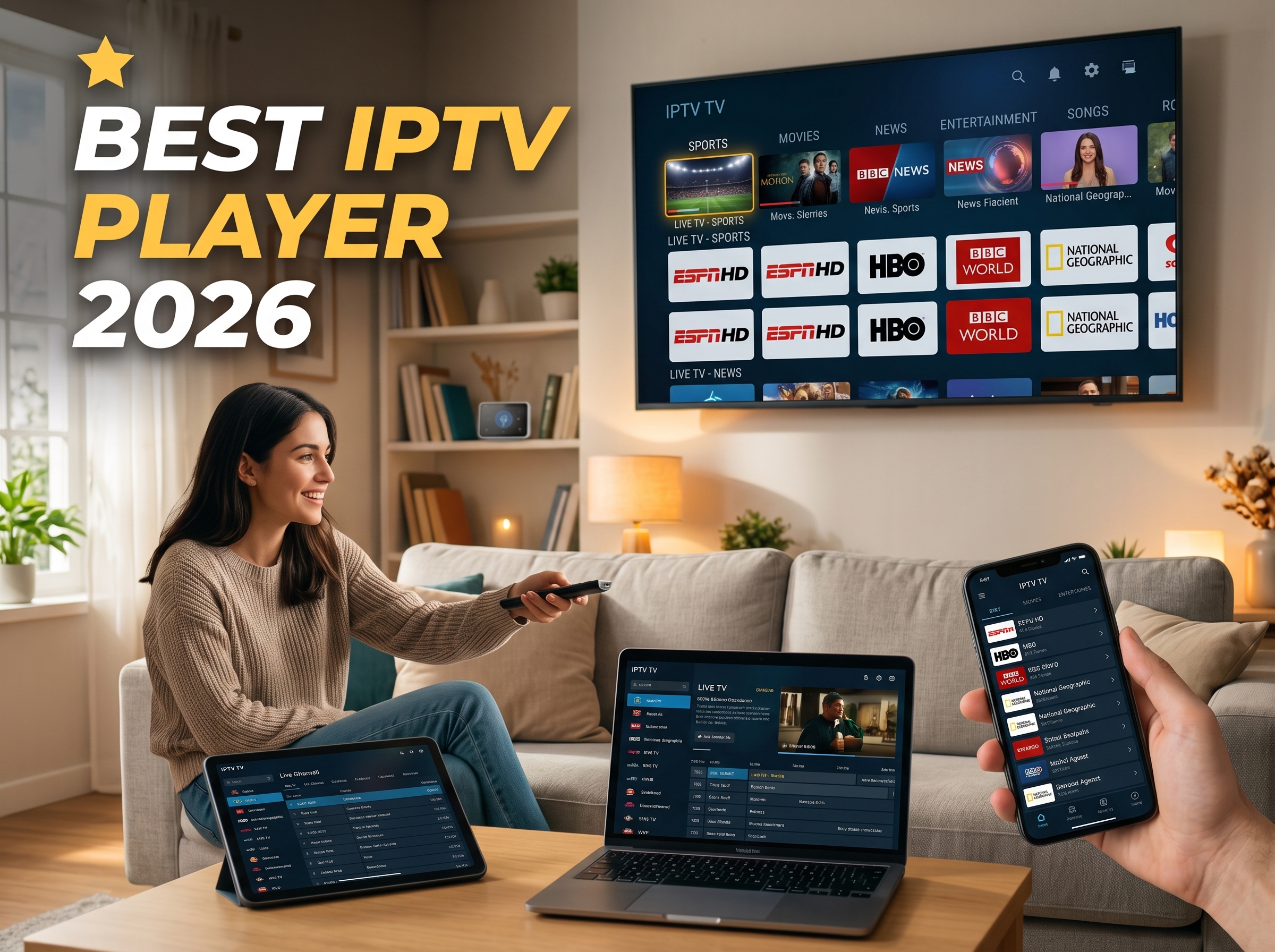
Alright, real talk. You just got an IPTV subscription, or you’re eyeing one, and now you’re standing in the App Store equivalent of a candy aisle with a dozen apps that all have basically the same logo and zero clue which one to grab. I’ve been exactly there, squinting at my phone at 11pm wondering why this is somehow harder than picking a Netflix show. So let’s just sort this out together, no jargon, no nonsense.
First, a little myth-busting, because this trips everyone up: the best IPTV player doesn’t hand you any channels on its own. It’s literally just the app — think of it as a fancy universal remote — that plays back whatever playlist or login you feed it. Your TV doesn’t magically broadcast anything either, right? Same idea. The IPTV player just needs an M3U link or an Xtream Codes login from wherever you got your subscription, and then the magic happens.
Cool, mystery solved. Now let’s talk about which app actually deserves real estate on your home screen.
Best IPTV player :The “Just Tell Me What to Download” Section
I see you, skimmer. Here’s your shortcut so you can stop reading and start watching:
| Your Setup | Go With | Why |
|---|---|---|
| Android TV / FireStick | TiviMate Premium | Channel switching so fast you’ll think you’re cheating |
| Everything at once (phone, laptop, TV) | IPTV Smarters Pro | Works basically everywhere, no fuss |
| iPhone / iPad / Apple TV | GSE Smart IPTV or Chillio | Actually feels native, plays nice with AirPlay |
| Samsung or LG Smart TV | Smart IPTV or IBO Player Pro | No sideloading headaches |
| Old box with barely any RAM | Perfect Player or OwnTV | Light enough not to choke your device |
That’s the short version. Now let’s get into why.
Best IPTV player :Okay But… Is This Legal?
I know, I know, you’re side-eyeing me right now. Deep breath — yes, totally fine. The IPTV player is just software, same category as VLC or MX Player. Nobody’s getting in trouble for downloading a media player. What actually matters is where your playlist or subscription comes from, so just make sure that part’s legit. The app itself is innocent; it’s just the messenger doing its job.
Best IPTV player :A Tiny Bit of Nerd Talk (I Promise It’s Painless)
You’ll run into a few terms while setting up, so let’s decode them real quick so you don’t panic:
- M3U / M3U8 playlists — just a link/file with all your channels bundled up inside, like a fancy bookmark folder.
- Xtream Codes — the login version (username, password, server address). Loads faster and usually throws in catch-up TV and a real on-demand library too.
- Stalker Portals / MAC address login — mostly a Smart TV thing, tied to your specific device.
No need to memorize any of this. Just nod knowingly when your provider sends it to you.
Best IPTV player :So, Which One Actually Wins?
I pulled together some actual numbers here because “trust me bro” isn’t exactly a solid way to pick software you’re gonna use every single night.
| Player | Best For | Price | Channel Load Speed | Multi-Screen? |
|---|---|---|---|---|
| TiviMate | Android TV / FireStick | Free, or ~$9.99/yr for Premium | ~1.3 sec (blazing) | Yes, up to 4 |
| IPTV Smarters Pro | Everywhere | Free | ~1.8 sec | Yes |
| XCIPTV | Android TV / FireStick | 100% free | ~2.0 sec | Yes |
| GSE Smart IPTV | Apple stuff | Free or a couple bucks | ~1.5 sec | Yes |
| Smart IPTV | Tizen/webOS TVs | One-time ~€5.49 | ~2.2 sec | No |
| OwnTV | Weaker Android boxes | Free, open-source | ~1.4 sec | No |
Best IPTV player :TiviMate — Everyone’s Favorite, and Honestly, Deservedly So
Got a FireStick or Android TV box? You’re gonna end up here eventually, might as well start now. The channel guide looks and feels like real cable — smooth, clean, zero lag when you’re flipping through channels like a bored person on a Sunday. It syncs multiple playlists, records shows, even does picture-in-picture so you can half-watch two things at once (we’ve all done it). Only real gripe is it’s Android-only, and you’ll want the companion phone app to really get the full remote-control experience. Free version’s totally usable, but the $9.99/year Premium is where the fun stuff like multi-screen viewing lives.
Best IPTV player :IPTV Smarters Pro — The One That Just Follows You Around
Switching between your phone, laptop, and that ancient Smart TV in the living room? This app doesn’t care, it just works the same everywhere. Same clean layout, nice split between Live TV, Movies, and Series, and it even runs its own speed test so you’re not sitting there blaming your Wi-Fi for no reason. Pro version throws in multi-view too — yes, you really can watch four games at once if you’re that person.
Best IPTV player :XCIPTV — Free, But Doesn’t Feel Free
Completely free, and somehow doesn’t feel like it’s missing anything. It’s got both ExoPlayer and VLC running under the hood, so if a stream’s giving one engine trouble, just swap over. Handles mid-range hardware without breaking a sweat, which honestly is more than I can say for my phone’s battery.
Best IPTV player :GSE Smart IPTV & Chillio — Apple People, Stay in Your Lane
If you’re deep in the Apple ecosystem, don’t bother with the Android-first apps, they’ll feel awkward and out of place, like wearing shoes on the wrong feet. GSE Smart IPTV plays nice with AirPlay and Chromecast, and even reads external subtitles. Chillio’s the newer kid on the block with a slicker look, timeshift, multi-view, and decent profile support if the whole family’s sharing one login (and fighting over the remote).
Best IPTV player :Smart IPTV & IBO Player Pro — Samsung/LG Owners, This Is You
These two skip the whole sideloading headache since you install them right from your TV’s own app store, no weird workarounds needed. You link the app to your TV’s MAC address once, paste in your playlist, and you’re done. Not the flashiest options out there, but simple and it just works.
Perfect Player & OwnTV — For That Old Box That’s Wheezing
Got a streaming box that’s basically running on fumes and 2GB of RAM? These two were made for exactly that situation. No bloat, no ads, and they run dual playback engines (mpv and ExoPlayer) so they can lean on whichever one plays nicer with your ancient hardware.
A Few Honorable Mentions
Kodi, paired with the best IPTV app Simple Client add-on, is your pick if you want a whole media center and not just a channel switcher — it does basically everything. MYTVOnline3 is worth knowing about if you’re rocking a Formuler box, since it was basically built for it. And Sparkle TV / iMPlayer are solid picks if you care about your settings backing up to the cloud across devices.
Setting It Up on a FireStick (The Quick and Painless Version best IPTV app)
- Head to Settings → My Fire TV → Developer Options and flip on “Install Unknown Apps.” Sounds scarier than it is.
- Grab the Downloader app from the store — free, easy, not sketchy at all.
- Type in the code for whichever app you picked (TiviMate’s is 272483) and let it do its thing.
- Open it up, paste in your M3U link or type in your Xtream Codes info, and boom.
Seriously, that’s it. Takes like five minutes, less time than it took you to read this list.
Fixing the Annoying Stuff (Buffering, Black Screens, the Usual Suspects,best IPTV app)
A handful of quick fixes solve almost every complaint I’ve ever heard:
- Flip the decoder: Black screen but you can still hear it? Switch from Hardware to Software decoding in settings. Weirdly effective.
- Bump up the buffer: On Wi-Fi, nudging the buffer size up one notch smooths out those tiny annoying freezes that make you want to throw the remote.
- Match your frame rate: Turning this on kills that jittery, stuttery look during live sports. Game-changer, literally.
- Switch the stream protocol: Channels loading slow? Try switching from HLS to MPEG-TS — channels flip noticeably faster after that.
Quick-Fire FAQ
Okay but seriously, what’s THE best IPTV player right now? For FireStick or Android TV, it’s TiviMate, no contest, everyone and their cousin recommends it for a reason. If you’re bouncing between different devices though, IPTV Smarters Pro is the safer all-rounder.
Does the app come with channels already loaded? Nope, sorry! Every single IPTV player shows up empty-handed. You bring the playlist or login, the app just makes it look pretty.
How fast does my internet actually need to be? 25 Mbps or so for smooth 4K. Regular 1080p is chill around 10 Mbps, nothing crazy required.
My Wi-Fi’s fast, so why’s it still buffering? Nine times out of ten it’s a settings problem, not a speed problem. Check your decoder, frame-rate matching, and local signal before you start yelling at your ISP.
Look, there’s no single app that’s perfect for literally everyone, it really just depends what you’re watching on. But if you want the safe bet, the “you really can’t go wrong” pick: TiviMate if you’re on a streaming box, IPTV Smarters Pro for basically everything else. Grab one of those, poke around the settings for a few minutes, and you’ll be flipping channels like you’ve been doing this for years.