Table of Contents
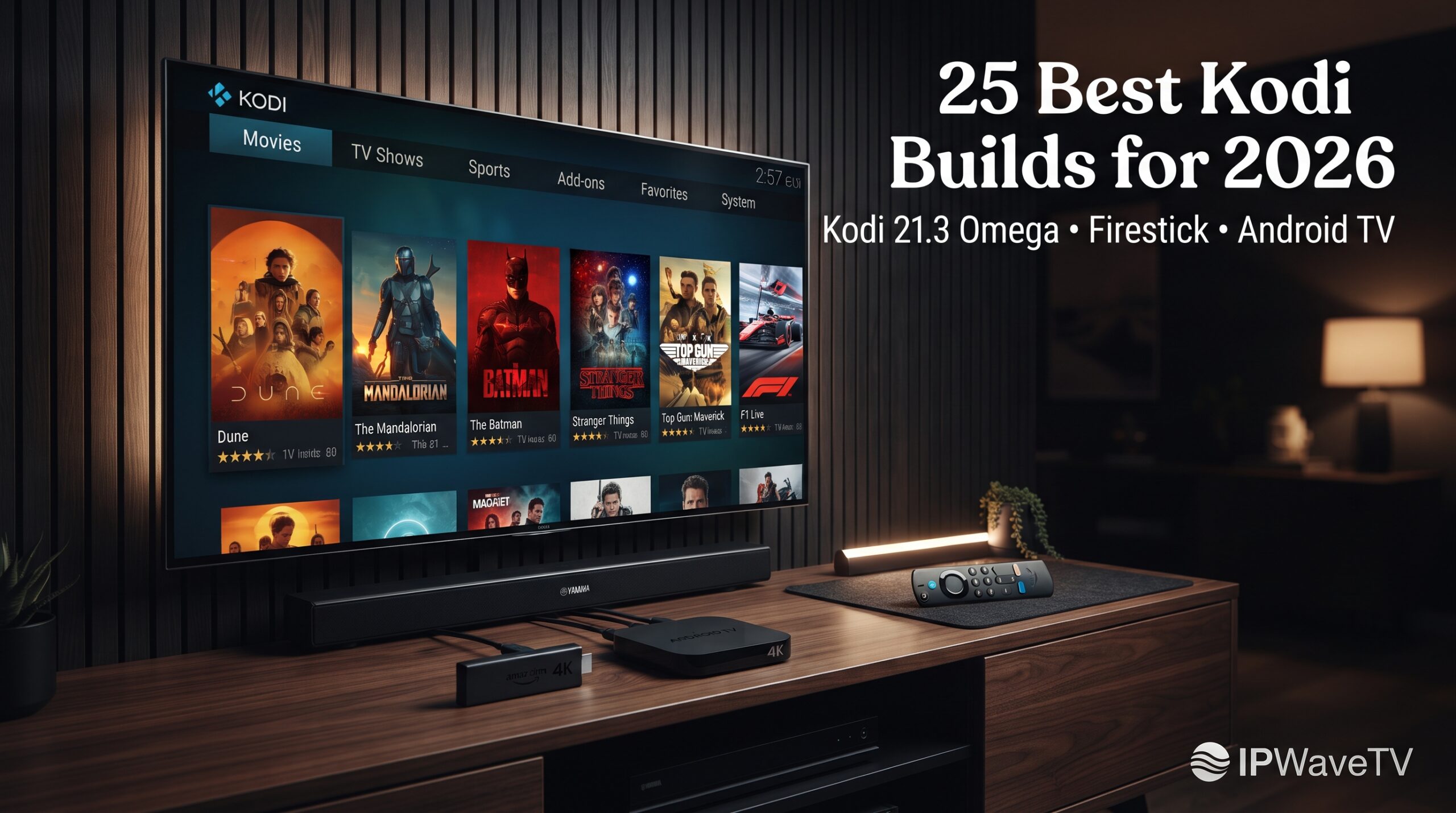
Toggle25 Best Kodi Builds for 2026 (Kodi 21.3 Omega & Firestick Tested)
If you are looking for the top rated Kodi builds in 2026, the right choice depends on your device, storage capacity, streaming habits, and preferred interface. Some builds prioritize speed and low memory usage, while others offer richer menus, widgets, sports sections, and video-on-demand (VOD) integrations.
This guide compares the best Kodi builds 2026 users can consider for Kodi 21.3 Omega, Amazon Fire TV Stick, Android TV, Google TV, NVIDIA Shield, and PC. It also explains how Kodi builds work, how to install them safely, and how to reduce buffering and storage problems.
Quick answer: Diggz Xenon is a strong all-in-one choice for users who want a feature-rich Kodi experience, while Coalition and Misfit Mods Lite are better suited to lower-powered Firestick devices. For this guide, Kodi 21.3 Omega is the target baseline because compatibility should always be checked before installing a build.
Quick Comparison: Top Rated Kodi Builds in 2026
| Kodi Build | Kodi 21 Compatibility | Approx. Size | Best Device | Main Feature | Debrid |
|---|---|---|---|---|---|
| Diggz Xenon AIO | Yes | ~650 MB | Shield, PC, Firestick | AIO interface | Optional |
| Coalition | Yes | ~80 MB | Fire TV Stick | Lightweight interface | Recommended |
| Aspire | Yes | ~267 MB | Firestick, Google TV | Sleek design | Recommended |
| Misfit Mods Lite | Yes | ~143 MB | Firestick Lite | Lightweight setup | Optional |
| Cosmo | Yes | Lightweight | Firestick, Smart TV | Dynamic interface | No |
| Green Monster | Yes | Medium | Firestick, Android TV | Sports/VOD | Recommended |
| POVico | Yes | Ultra-light | Low-storage devices | Minimalist UI | Yes |
Build sizes and compatibility can change as developers release updates, so verify the current release before installation.
Why Kodi 21.3 Omega Is the 2026 Baseline
Before choosing among the top rated Kodi builds, check your Kodi version.
Kodi 21, known as Omega, introduced important changes compared with older Kodi generations. In particular, changes to Python and add-on compatibility mean that very old builds designed for Kodi 18 Leia may no longer function correctly.
Kodi 21.3 should therefore be treated as a useful baseline when researching a modern build, but users should always check whether a specific build officially supports their exact Kodi version.
Firestick Hardware Matters
Amazon Fire TV devices have considerably less processing power and storage than many PCs and NVIDIA Shield devices. A complicated skin with numerous widgets can consume additional resources and make navigation slower.
This is why lightweight builds are often preferable on entry-level streaming sticks.
A simple interface with fewer automatic updates, background artwork, and widgets can provide a noticeably smoother experience.
Category 1: Best All-in-One Kodi Builds
1. Diggz Xenon
Diggz Xenon is one of the most recognizable names when discussing the best Kodi builds. Its appeal comes from its all-in-one approach and highly customized interface.
The build has traditionally offered access to multiple content categories and integrations, with different configurations available depending on the user’s setup.
It is better suited to users with more capable hardware because a large, feature-rich interface can require more storage and memory.
Best for: NVIDIA Shield, PC and higher-spec Android TV devices.
2. Enigma Silvo
Enigma Silvo focuses heavily on presentation, using the Silvo skin and customized widgets to create a polished interface.
Its appeal is particularly strong for users who want a traditional Kodi experience but with a more organized home screen.
3. Doomzday
Doomzday builds are designed as general-purpose Kodi setups with categories covering different types of entertainment.
The main advantage is convenience: instead of configuring every visual element manually, users receive a preconfigured interface.
4. Grindhouse
Grindhouse provides multiple build styles under one ecosystem. Different options can appeal to users who prefer darker themes, retro-inspired interfaces or entertainment-focused layouts.
Because individual releases can change, always inspect the current build requirements before installation.
Category 2: Best Lightweight Builds for Firestick
For budget streaming devices, lightweight builds are often more practical than visually complex alternatives.
5. Coalition
Coalition is an excellent example of a compact Kodi build. At roughly 80 MB in the configuration described in this guide, it is considerably smaller than many feature-heavy alternatives.
Its simple dark interface also works well with a Fire TV remote.
Best for: Fire TV Stick users prioritizing speed and simplicity.
6. Aspire
Aspire offers a balance between visual customization and relatively modest resource requirements.
At approximately 267 MB, it is larger than Coalition but can still be appropriate for compatible Firestick and Google TV devices.
7. Misfit Mods Lite
Misfit Mods Lite is designed with lower-powered devices in mind. Its compact interface and maintenance tools make it particularly interesting for Fire TV users.
The “Lite” configuration is worth considering when storage and memory are major concerns.
8. BigKev — The Small Build
BigKev’s smaller builds focus on keeping navigation straightforward while maintaining a distinctive dark interface.
The reduced amount of visual clutter makes this type of build attractive to users who dislike complicated home screens.
9. POVico
POVico takes a minimalist approach and centers the experience around a single primary add-on.
This can reduce unnecessary interface elements and make navigation faster on devices with limited resources.
Category 3: Best Visual & UI-Focused Builds
10. Cosmo
Cosmo focuses on presentation with dynamic backgrounds and a retractable navigation system.
It can be a good choice for users who care more about visual design than having the smallest possible installation.
11. Arctic Rain
Arctic Rain uses modern artwork, fan-art backgrounds and smooth transitions to create a premium-looking interface.
The design can be attractive on large televisions, although users with low-end hardware should always consider the additional resources required by animated or artwork-heavy interfaces.
12. Redflix
As its name suggests, Redflix takes inspiration from commercial streaming platforms.
The interface emphasizes straightforward categories and familiar navigation, making it potentially easier for beginners transitioning from mainstream streaming applications.
13. Hard Nox
Hard Nox uses an Aeon Nox-based design with widgets and a futuristic appearance.
It is visually impressive, but heavier skins can require more resources than minimalist alternatives.
Category 4: Best Sports & VOD-Oriented Builds
14. Green Monster
Green Monster combines a dark interface with categories aimed at sports and video content.
Its main advantage is fast navigation and a relatively straightforward layout.
15. Serenity
Serenity emphasizes a lightweight experience and remote-friendly navigation.
Users interested in VOD should nevertheless verify that every included add-on is currently maintained and legally provides the content they want.
16. XontriX
XontriX is another option for users interested in VOD-oriented navigation and quick access to content categories.
Availability and functionality can change when repositories or third-party add-ons are discontinued.
Other Builds Worth Investigating
The remaining entries in a broader top rated Kodi builds list can include specialized builds designed around particular devices, skins or content categories. Examples include builds from smaller independent wizards that prioritize lightweight performance, retro interfaces or specific media libraries.
Rather than choosing a build solely because it appears in a list, check four things first:
- Kodi version compatibility
- Current maintenance activity
- Build size
- Add-ons and repositories included
How to Install Kodi and a Build on Firestick
Step 1 — Enable Apps From Unknown Sources
On compatible Fire TV versions, open:
Settings → My Fire TV → Developer Options
Enable the necessary developer/sideloading permissions.
Amazon periodically changes Fire TV menus, so the exact wording can differ between device generations.
Step 2 — Install Kodi
A common method is to install the Downloader application from the Amazon Appstore.
For Kodi itself, use the official Kodi website:
Download the version appropriate for your Fire TV hardware.
Avoid downloading modified Kodi APK files from unknown websites.
Step 3 — Install a Kodi Build
Once Kodi is installed:
- Open Settings.
- Go to System → Add-ons.
- Enable Unknown Sources if required.
- Open File Manager.
- Select Add Source.
- Enter the repository’s legitimate URL.
- Return to Add-ons.
- Select Install from Zip File.
- Install the appropriate repository.
- Open Install from Repository.
- Select the relevant program/build wizard.
- Follow the wizard’s installation instructions.
Only use repository URLs obtained from the developer’s official or currently maintained source.
After installation, Kodi may need to restart before the new interface appears.
Debrid Integration, Buffering and Maintenance
A build itself does not magically guarantee smooth streaming.
Performance depends on your hardware, network, add-ons and the source providing the stream.
Premium Debrid Services
Services such as Real-Debrid, Premiumize, AllDebrid and TorBox can provide access to premium file-hosting infrastructure for compatible services.
However, they do not make copyrighted content legal. You should only use them with content you have permission to access.
The general authorization process is:
- Create an account with the service.
- Open the compatible Kodi add-on.
- Find its account or resolver settings.
- Select the relevant authorization option.
- Follow the displayed activation instructions.
- Confirm that your account is connected.
The exact process varies between add-ons.
Clear Unnecessary Cache
A Firestick with limited storage can become sluggish when unnecessary packages, thumbnails and cached data accumulate.
Regular maintenance can include:
- Removing unused add-ons
- Clearing unnecessary cache
- Deleting old packages
- Reducing unnecessary artwork
- Limiting frequent EPG refreshes
- Removing builds you no longer use
Be careful when clearing Kodi data because deleting the wrong files can remove your configuration.
Improve Your Network
For legitimate high-quality streams, a stable network connection is essential.
A 5 GHz Wi-Fi connection can help when your router and streaming device support it. Ethernet is generally preferable where practical because it avoids many wireless interference issues.
A VPN can also improve privacy, but it should not be presented as a way to bypass copyright restrictions.
Kodi Builds: Legal and Security Considerations
Kodi itself is a legitimate open-source media player.
The important distinction is between Kodi and the third-party content sources that users may install.
Some unofficial builds bundle add-ons or repositories that provide access to content without appropriate authorization. Depending on the content, source and jurisdiction, accessing copyrighted material without permission may violate the law.
There are also security concerns. Unverified repositories can potentially expose users to:
- Malicious scripts
- Modified applications
- Credential theft
- Tracking
- Cryptojacking
- Privacy risks
For this reason, download Kodi from the official Kodi website and investigate third-party software carefully.
Legal Alternatives to Third-Party Kodi Builds
If your priority is a secure home-media system, several legitimate alternatives are worth considering.
LibreELEC
LibreELEC is a lightweight Linux-based operating system designed around Kodi and is popular for dedicated media hardware.
CoreELEC
CoreELEC is another Kodi-focused operating system, particularly popular on compatible ARM-based hardware.
Official Kodi Repository
Kodi’s official repository contains legitimate add-ons, including options for services such as YouTube and Twitch.
Depending on your country, other official streaming applications may also be available.
Plex and Jellyfin
Plex and Jellyfin are excellent choices for managing your own media library.
Stremio, Tubi and Pluto TV
Availability varies by country, but these services can provide additional legal streaming options.
Frequently Asked Questions
Is using a Kodi build legal?
Installing Kodi and legitimate Kodi builds is legal. However, accessing copyrighted material through unauthorized third-party sources may be illegal. Always use services and content you are authorized to access.
What is the best Kodi build for Amazon Firestick?
For lower-powered devices, lightweight options such as Coalition, Misfit Mods Lite and Aspire can be more practical than large, heavily customized builds.
Why does Kodi say “No Stream Available”?
This usually means that the selected add-on could not find a compatible source. The issue can result from unavailable sources, an incorrectly configured add-on, an expired authorization or a service that is no longer maintained.
What is the difference between a Kodi add-on and a Kodi build?
A Kodi add-on is an individual extension that adds a particular function or content service.
A Kodi build is a larger package that can include a customized skin, menus, settings, add-ons and other configurations.
Think of an add-on as one application and a build as a preconfigured Kodi environment.
Can Kodi play 4K video?
Yes. Kodi can handle 4K playback when the device, video format, decoder, display and network connection support it.
Performance varies significantly between devices. A modern Android TV box or NVIDIA Shield can generally handle demanding media more comfortably than an entry-level streaming stick.
Final Verdict: Which of the Top Rated Kodi Builds Should You Choose?
top rated kodi builds There is no universal winner among the top rated Kodi builds because the ideal option depends on your hardware and preferences.
For a feature-rich all-in-one experience, Diggz Xenon is worth investigating. For lower-powered Fire TV devices, Coalition and Misfit Mods Lite are more sensible starting points. If visual customization is your priority, options such as Cosmo, Arctic Rain and Redflix offer more elaborate interfaces.
Most importantly, don’t judge the best Kodi builds 2026 solely by appearance. Check compatibility with Kodi 21.x, build size, maintenance status, security, and the legality of the included content sources before installing anything.
top rated kodi builds For users who simply want reliable streaming, a clean Kodi installation with official add-ons can sometimes be faster, safer and easier to maintain than a heavily customized build.