
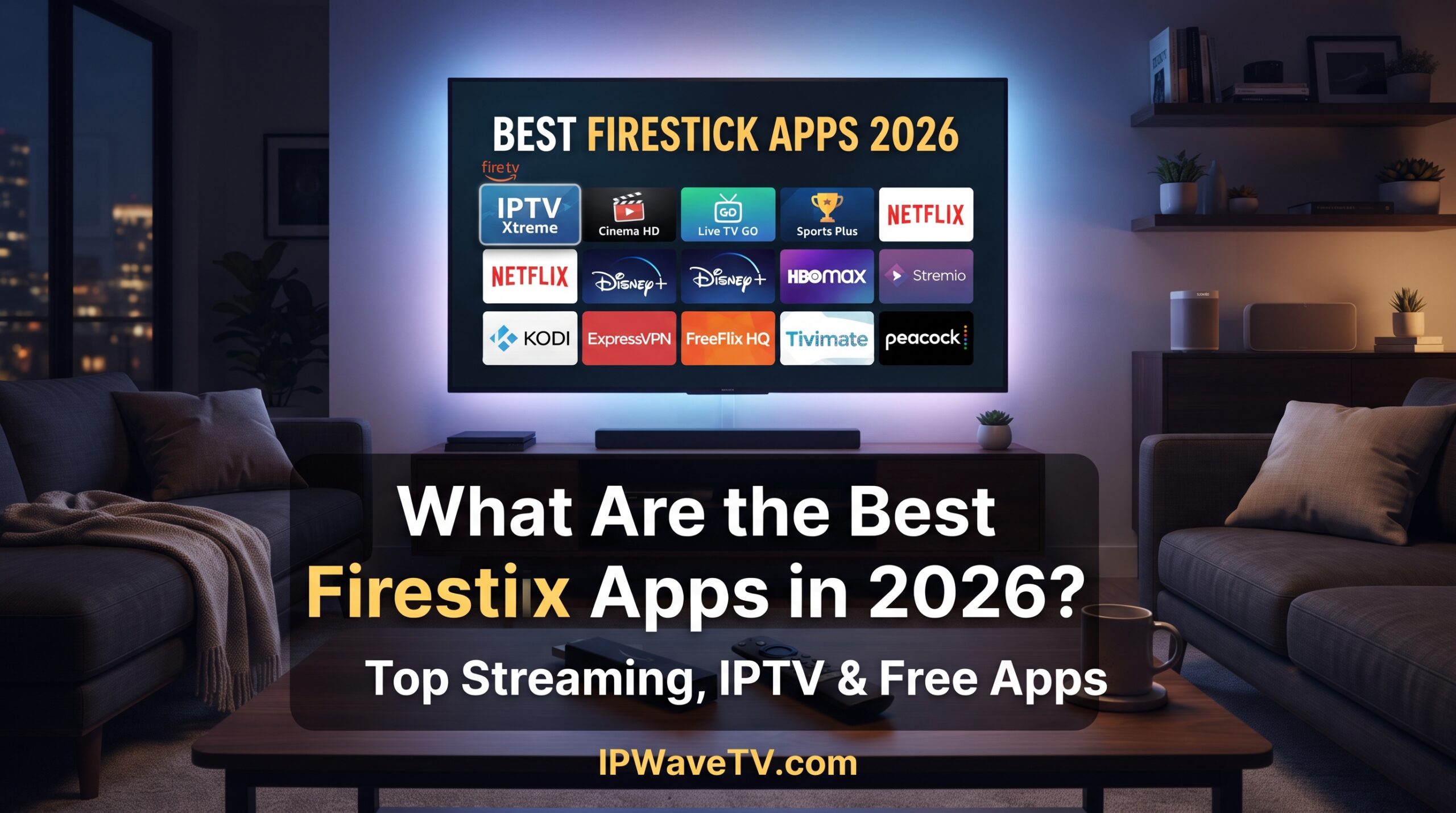
The Ultimate Firestick & Streaming Guide (2026): Best Apps, Sideloading, Player Setup, & Vega OS Realities If you’re looking for the best Firestick apps, you’ve got plenty of options in 2026. Whether you’re into movies, live TV, sports, music, IPTV, or just want to get more out of your Firestick, there’s probably an app for it. But there’s a small catch: not every Fire TV device works exactly the same way anymore. Amazon is changing things with its move toward Vega OS, so the app you used on an older Firestick might not work the same way on a newer model. Yep, streaming devices are getting complicated too! That’s why we’ve put together this guide. We’ll go through the best Firestick apps 2026, including official streaming apps, IPTV players, useful tools, VPNs, and a few simple ways to deal with annoying buffering. Quick Answer: The best Firestick apps really depend on what you’re trying to watch or do. Netflix, YouTube, Prime Video, Tubi, and Pluto TV are easy choices for everyday streaming, while apps like TiviMate and Kodi give you more flexibility on compatible Fire OS devices. If you’re installing an APK, make sure you’re getting it from a trustworthy source and only accessing content you’re legally allowed to watch. Best Firestick Apps 2026: Quick Comparison Here’s a quick look at some of the most useful Firestick apps you might want to try: App Category Price Sideload Required? What It’s Good For TiviMate IPTV Player Free / Paid features Usually EPG, playlists, TV-style interface Kodi Media Hub Free Sometimes Add-ons, media library, PVR IPTV Smarters IPTV Player Free / Paid features Depends on device Live TV, VOD, EPG Tubi VOD / FAST Free with ads No Free movies and TV Pluto TV FAST Free with ads No Live channels and on-demand content Plex VOD / Media Server Free / Paid options No Streaming and personal media YouTube Video Free / Premium No Videos, music, live streams Downloader Utility Free No on compatible Fire OS Downloading files and apps VPN Apps Security Free / Paid Usually no Private, encrypted connections VLC Media Player Free Depends on device Playing different media formats App availability, pricing, and features can vary depending on your country and Fire TV model. So, What’s Actually Changed With Firestick in 2026? If you’ve had a Firestick for a while, you might’ve noticed that things aren’t quite as simple as they used to be. Older Fire TV devices running Fire OS have traditionally given users more flexibility when it comes to installing apps outside the Amazon Appstore. That’s where terms like sideloading and APK files come into the conversation. Amazon is also moving toward Vega OS, which uses a different platform architecture. That means newer Fire TV hardware may handle apps very differently from older Firestick models. So before you follow an old tutorial you found online, check which Fire TV model and operating system you’re actually using. A guide from a few years ago might be about as useful as a flip phone in 2026! Fire OS vs. Vega OS: Why It Matters If you’re buying a new streaming device specifically because you want flexibility with apps, this is worth paying attention to. Older compatible Fire TV devices running Android-based Fire OS have historically supported Android applications and certain sideloading methods. Newer Vega OS devices use a different application system, so traditional Android APK installation isn’t necessarily available in the same way. In other words, don’t buy a new Firestick just because an old YouTube video says you can install anything on it. Check the current specifications and software first. What About Android TV and Google TV? If having access to a broad Android application ecosystem is important to you, Android TV and Google TV devices are another option. Devices such as the NVIDIA Shield TV and compatible Google TV hardware can provide a more familiar Android-based environment. The right choice really comes down to what you want to install and how much control you want over your streaming setup. Useful Firestick Apps That Aren’t Actually Streaming Apps Not every useful Firestick app is there to play movies. Some apps simply make your device easier to manage. Downloader Downloader is a popular utility on compatible Fire TV devices. It lets you browse web pages and download files, which can be useful when an app isn’t available directly through the Amazon Appstore. Just remember: downloading an APK doesn’t automatically mean it’s safe. Always check where the file is coming from. Alternative App Stores You might also come across alternative Android TV app stores and repositories. They can offer apps that aren’t listed in Amazon’s store, but there’s an obvious downside: you need to be more careful about what you’re installing. If an APK comes from a random website with five flashing download buttons and a suspicious “YOU WON!” popup, maybe don’t click it. Your Firestick doesn’t need that kind of adventure. Mouse and Navigation Tools Some Android apps were designed for phones and touchscreens rather than TV remotes. A mouse-control tool can sometimes make those apps easier to navigate on compatible devices. Just keep in mind that compatibility can change after Fire TV updates. VPN Apps A VPN can encrypt the connection between your Firestick and the VPN server, which can be useful if you’re concerned about privacy on shared or public networks. A VPN isn’t a magic button for faster streaming, though. Sometimes it can actually make your connection slower depending on the server you’re connected to. IPTV Players: TiviMate, Kodi, and Other Popular Options Here’s something that’s easy to get confused about: an IPTV player isn’t the same thing as an IPTV service. An IPTV player is basically the app you use to organize and play compatible streams. It doesn’t automatically give you access to TV channels. TiviMate TiviMate is popular with people who want their IPTV setup to feel more like traditional television. Depending on the version and setup, it can offer features such as:

IPTV Reddit 2026: Best IPTV Players, Tips & Safe Streaming Guide
The Ultimate Guide to IPTV in 2026: Players, Setup, Reddit Community Realities, & Hosting If you have searched for IPTV Reddit, you have probably encountered everything from player recommendations and setup guides to warnings about unreliable providers. Reddit can be useful for discovering real-world experiences, but it can also contain outdated information, affiliate promotions, and unverified claims. This guide explains how IPTV works in 2026, how to choose an IPTV player, what to look for when evaluating services discussed on Reddit, and how to troubleshoot common streaming problems. TL;DR: An IPTV player is a standalone media application that displays television and video content supplied through a compatible playlist or service. Common connection methods include M3U playlists and Xtream Codes API credentials. The player itself generally does not provide channels. When researching IPTV Reddit discussions, focus on service reliability, legal licensing, streaming quality, device compatibility, privacy, and transparent pricing rather than simply trusting recommendations or upvotes. IPTV Player Comparison: Quick Overview IPTV Player Main Platforms Key Features Typical Use TiviMate Android TV, Google TV, Fire TV EPG, multiple playlists, recording, PIP Advanced TV users IPTV Smarters Android, iOS, Fire TV and others Simple interface, VOD, multiple services Multi-device users MYTVOnline3 Formuler devices Timeshift, EPG, recording features Formuler owners XCIPTV Android/Fire TV External players, EPG, VOD Android users Sparkle TV Android/Google TV EPG, DVR, multiple playback options Advanced users Features, availability, and pricing can change, so check the developer’s current information before purchasing. Navigating IPTV Reddit Discussions: Crackdowns, Misinformation, & Safety Reddit remains a popular place for people researching cord-cutting and streaming technology. Searching for IPTV Reddit can produce discussions about applications, playlists, streaming devices, buffering, VPNs, and providers. However, Reddit discussions should be treated as user-generated information rather than an official directory of IPTV providers. Subreddit Bans and Crackdowns Over time, Reddit has removed or restricted communities and posts that violate its policies, including content associated with copyright infringement or unauthorized distribution. Community names and availability can change, so older posts may refer to subreddits that no longer exist or operate under the same rules. This is one reason why an old IPTV Reddit recommendation may no longer be relevant. A service mentioned several years ago could have changed ownership, infrastructure, pricing, or availability. Watch Out for Promotional Threads Another issue with IPTV discussions is that not every recommendation represents an independent customer experience. Some posts may come from resellers or affiliates promoting particular services. Repeated comments, unusually enthusiastic testimonials, promotional links, or accounts with little posting history deserve additional scrutiny. Instead of asking only, “What is the best IPTV Reddit recommendation?”, look at measurable factors such as: Supported devices Channel and VOD availability Stream quality EPG reliability Customer support Trial availability Refund terms Connection limits Privacy practices Licensing and content rights Pricing and Value Price alone should not determine whether an IPTV service is suitable. Extremely cheap services may have limitations, while a higher price does not automatically guarantee better quality. Be particularly careful with services demanding large upfront payments without a clear refund policy or transparent terms. How IPTV Works: M3U Playlists, Xtream Codes API, and EPGs Understanding IPTV architecture makes it much easier to evaluate recommendations you encounter on Reddit. M3U Playlists An M3U playlist is a file or URL containing references to media streams. IPTV applications can read these entries and organize them into channels or categories. Depending on the service, an M3U playlist may contain channel names, stream URLs, logos, and EPG-related information. Xtream Codes API The Xtream Codes API is another common method used by IPTV applications. Instead of manually entering a playlist URL, users may receive: Server URL Username Password The compatible application uses these credentials to retrieve channel, VOD, series, and guide information from the service. Always protect IPTV credentials in the same way you would protect other account information. Electronic Program Guide (EPG) An EPG, or Electronic Program Guide, displays scheduled programming information. A good EPG can make live television much easier to navigate because users can see program titles, descriptions, schedules, and categories without opening each channel individually. Some platforms also support features such as catch-up or time-shifting, although these depend on the service and player. Playback Engines The playback engine handles the actual decoding and streaming process. Different applications may use different playback technologies or external players. If a particular stream stutters in one player, testing another compatible playback engine can sometimes help identify whether the problem comes from the application or the stream itself. Top IPTV Players for Android TV, Firestick, and Multi-Device Use Choosing the right IPTV player is often more important than beginners expect. The player determines how easily you browse channels, use EPG information, manage playlists, and control playback. TiviMate TiviMate is particularly popular among Android TV and Google TV users. Its interface is designed around traditional television navigation, making it suitable for large-screen use. Depending on the current version and subscription tier, features can include: Multiple playlists Customizable EPG Favorites Recording Picture-in-picture Channel organization TV-style browsing Pricing and premium features can change, so check the official application information before subscribing. IPTV Smarters IPTV Smarters is another widely recognized IPTV player with support across several platforms. Its appeal comes largely from its straightforward interface and support for live TV, movies, series, and EPG information when supplied by the IPTV service. Some installations can also work with external video players, giving users another option when the built-in playback experience is not ideal. MYTVOnline3 MYTVOnline3 is closely associated with Formuler hardware and provides an interface designed for IPTV and live television. Features can include EPG navigation, timeshift functionality, recording-related features, and integration with compatible Formuler devices. For users already invested in Formuler hardware, this can provide a more integrated experience. XCIPTV Player XCIPTV is commonly used on Android-based devices and can support external playback applications. Its interface provides access to live TV, VOD, and EPG information when the connected service supplies those features. Sparkle TV and Other Alternatives Sparkle TV is another option for Android TV and
Cinema HD Firestick: 7 Easy Ways to Stream in 2026
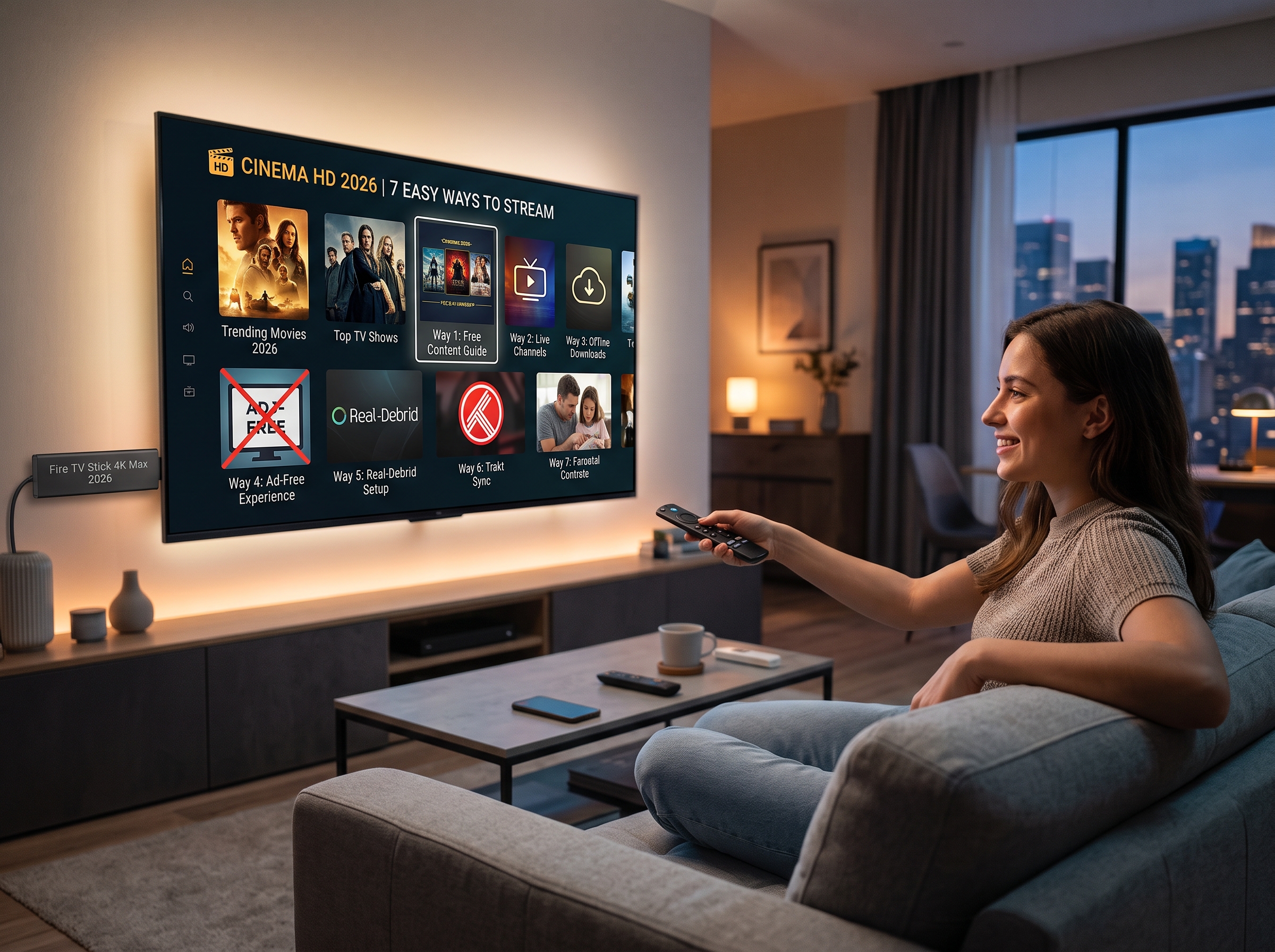
Cinema HD Firestick: How to Install, Set Up, and Stream on Fire TV Cinema HD Firestick remains a popular search topic among Fire TV users looking for a convenient way to organize and access streaming content from one application. With a simple interface, category-based browsing, and support for Fire TV devices, Cinema HD can be an interesting option for users who want an alternative streaming interface. This guide explains how Cinema HD works on Firestick, how to prepare a Fire TV device, how to install applications safely, and how to improve the overall streaming experience. It also covers important considerations regarding content sources, app permissions, privacy, and reliable streaming. Important: Cinema HD is a third-party application. Users should only access content they are legally entitled to watch and should verify the legality and availability of any content in their location. What Is Cinema HD for Firestick? Cinema HD for Firestick refers to using the Cinema HD application on Amazon Fire TV devices, including compatible Fire TV Stick models. The application is designed around a straightforward streaming interface where users can browse available movies and television content. The main attraction is its relatively simple navigation. Instead of moving through numerous menus, users can typically browse categories, search for titles, review information about available content, and select a source when one is provided. For Firestick owners, the appeal is largely related to convenience. A television-based interface makes it easier to navigate with the Fire TV remote, while the application can be used alongside other legitimate streaming services installed on the same device. Can Cinema HD Be Used on a Firestick? Compatibility can depend on the Fire TV device, operating system, application version, and installation method. Third-party applications may also change over time, meaning an installation method that works today may not necessarily remain identical in the future. Before installing any third-party application, it is sensible to check: Whether the application is compatible with your Fire TV model Whether the application is from a trustworthy source What permissions the application requests Whether the application is currently maintained Whether the content you intend to watch is legally available to you Keeping the Firestick software updated can also improve device stability and compatibility with supported applications. How to Prepare Your Firestick Before attempting to install a third-party application, make sure the Firestick has a stable internet connection and enough available storage. Start by connecting the Firestick to your television and completing the normal Amazon setup process. Connect the device to your Wi-Fi network and install available system updates. A stable connection is particularly important for streaming. Even a well-configured application can experience interruptions when the Wi-Fi signal is weak or the internet connection is congested. For better performance, place the Firestick where it receives a strong wireless signal. If possible, avoid placing the device behind large electronic equipment or inside an enclosed cabinet. Cinema HD Firestick Installation Considerations Unlike applications distributed directly through the official Amazon Appstore, third-party applications may require a different installation process. Fire TV versions and Amazon’s security settings can change, so users should avoid relying on outdated installation tutorials. When an application is not available through the official store, users should carefully verify the source before downloading an installation file. A safe installation approach includes: Verify the application source. Avoid unknown download pages and suspicious advertisements. Do not install modified applications from untrusted sources. Review requested permissions. Scan downloaded files when appropriate. Keep the Firestick and applications updated. Remove applications that are no longer maintained or trusted. These steps are particularly important because third-party APK files can potentially contain unwanted software. How to Improve Cinema HD Streaming on Firestick Once a streaming application is installed, performance depends on more than the application itself. The Firestick’s available storage, Wi-Fi quality, internet speed, and background processes can all affect playback. Use a Stable Internet Connection A strong Wi-Fi connection is one of the most important factors for smooth streaming. If playback repeatedly pauses or buffers, test the internet connection on another device. If several devices are simultaneously using the same network, bandwidth can become limited. Temporarily reducing heavy downloads, cloud backups, or other high-bandwidth activities may improve performance. Clear Unnecessary Cache Applications can accumulate temporary files over time. If the Firestick becomes sluggish, reviewing application storage and clearing unnecessary cached data can sometimes help. However, clearing application data is different from clearing cache. Application data may remove saved preferences or account information, so it should only be used when necessary. Maintain Free Storage Fire TV devices have limited internal storage. Installing too many applications can reduce available space and contribute to slower performance. Removing applications that are no longer needed is a simple way to maintain adequate storage. Cinema HD Search and Navigation One reason users search for Cinema HD Firestick tutorials is the application’s straightforward navigation. Depending on the application version, users may encounter categories for movies, television programs, genres, favorites, search, and other sections. The search function can be particularly useful when users already know the title they want to find. Instead of scrolling through large categories, entering a title can reduce the time required to locate it. When several versions of a movie or television episode are available, users should consider factors such as video quality, audio quality, file size, language, subtitles, and source reliability. Most importantly, the availability of a source does not automatically mean that the content is legally authorized. Content rights vary by country and provider. Is Cinema HD Legal? The legality of a streaming application and the legality of individual content sources are separate questions. An application may function as a technical interface, while the legality of a particular movie, series, or other media depends on copyright ownership, licensing agreements, distribution rights, and local laws. Users should therefore make sure that the content they access is authorized for streaming in their jurisdiction. Official streaming platforms remain the safest option when the goal is to ensure that movies and television programs are obtained through licensed distribution
Best IPTV Player: 10 Apps for IPTV on Smart TV
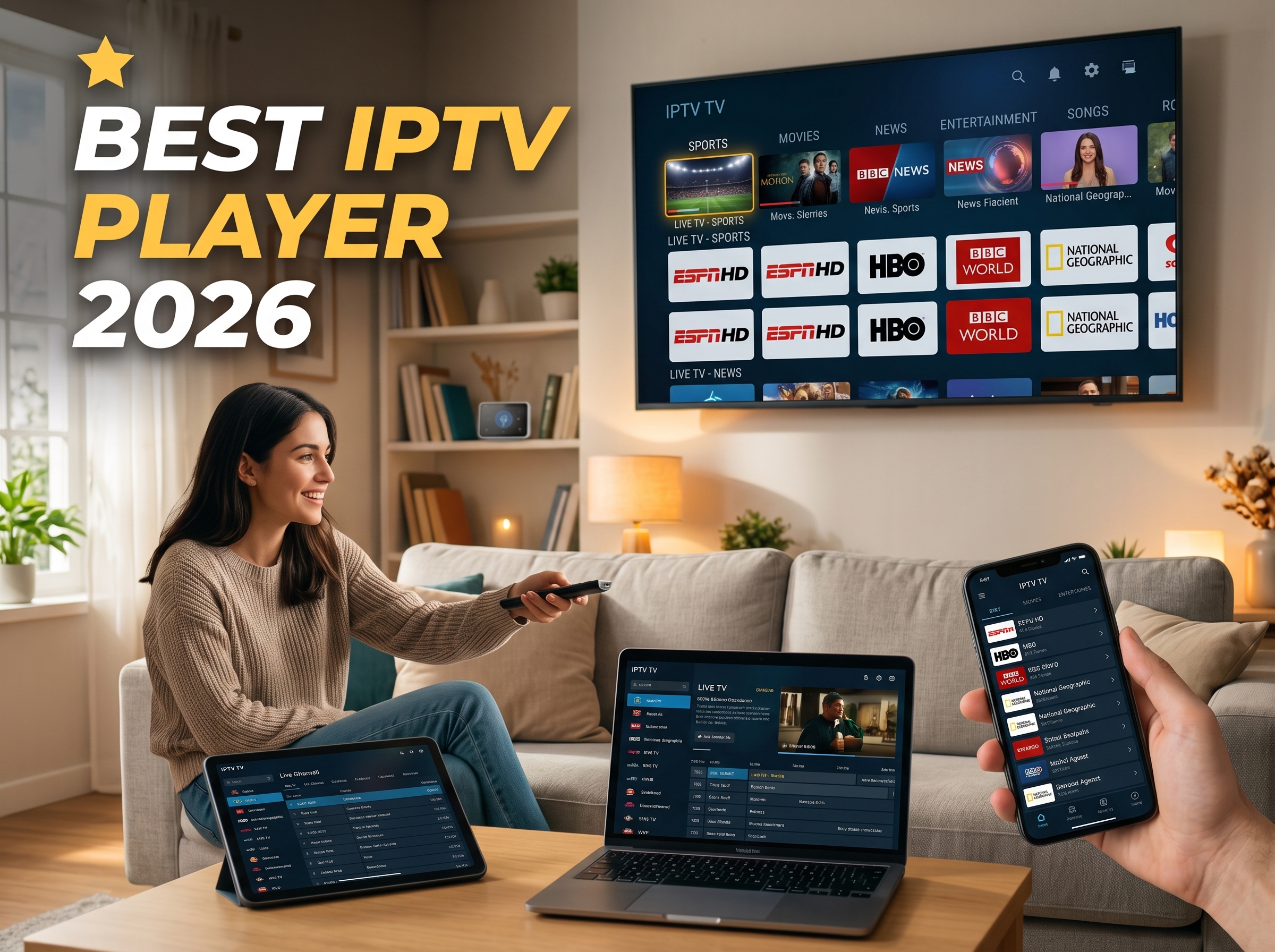
Best IPTV Player in 2026: Let Me Save You the Headache Alright, real talk. You just got an IPTV subscription, or you’re eyeing one, and now you’re standing in the App Store equivalent of a candy aisle with a dozen apps that all have basically the same logo and zero clue which one to grab. I’ve been exactly there, squinting at my phone at 11pm wondering why this is somehow harder than picking a Netflix show. So let’s just sort this out together, no jargon, no nonsense. First, a little myth-busting, because this trips everyone up: the best IPTV player doesn’t hand you any channels on its own. It’s literally just the app — think of it as a fancy universal remote — that plays back whatever playlist or login you feed it. Your TV doesn’t magically broadcast anything either, right? Same idea. The IPTV player just needs an M3U link or an Xtream Codes login from wherever you got your subscription, and then the magic happens. Cool, mystery solved. Now let’s talk about which app actually deserves real estate on your home screen. Best IPTV player :The “Just Tell Me What to Download” Section I see you, skimmer. Here’s your shortcut so you can stop reading and start watching: Your Setup Go With Why Android TV / FireStick TiviMate Premium Channel switching so fast you’ll think you’re cheating Everything at once (phone, laptop, TV) IPTV Smarters Pro Works basically everywhere, no fuss iPhone / iPad / Apple TV GSE Smart IPTV or Chillio Actually feels native, plays nice with AirPlay Samsung or LG Smart TV Smart IPTV or IBO Player Pro No sideloading headaches Old box with barely any RAM Perfect Player or OwnTV Light enough not to choke your device That’s the short version. Now let’s get into why. Best IPTV player :Okay But… Is This Legal? I know, I know, you’re side-eyeing me right now. Deep breath — yes, totally fine. The IPTV player is just software, same category as VLC or MX Player. Nobody’s getting in trouble for downloading a media player. What actually matters is where your playlist or subscription comes from, so just make sure that part’s legit. The app itself is innocent; it’s just the messenger doing its job. Best IPTV player :A Tiny Bit of Nerd Talk (I Promise It’s Painless) You’ll run into a few terms while setting up, so let’s decode them real quick so you don’t panic: M3U / M3U8 playlists — just a link/file with all your channels bundled up inside, like a fancy bookmark folder. Xtream Codes — the login version (username, password, server address). Loads faster and usually throws in catch-up TV and a real on-demand library too. Stalker Portals / MAC address login — mostly a Smart TV thing, tied to your specific device. No need to memorize any of this. Just nod knowingly when your provider sends it to you. Best IPTV player :So, Which One Actually Wins? I pulled together some actual numbers here because “trust me bro” isn’t exactly a solid way to pick software you’re gonna use every single night. Player Best For Price Channel Load Speed Multi-Screen? TiviMate Android TV / FireStick Free, or ~$9.99/yr for Premium ~1.3 sec (blazing) Yes, up to 4 IPTV Smarters Pro Everywhere Free ~1.8 sec Yes XCIPTV Android TV / FireStick 100% free ~2.0 sec Yes GSE Smart IPTV Apple stuff Free or a couple bucks ~1.5 sec Yes Smart IPTV Tizen/webOS TVs One-time ~€5.49 ~2.2 sec No OwnTV Weaker Android boxes Free, open-source ~1.4 sec No Best IPTV player :TiviMate — Everyone’s Favorite, and Honestly, Deservedly So Got a FireStick or Android TV box? You’re gonna end up here eventually, might as well start now. The channel guide looks and feels like real cable — smooth, clean, zero lag when you’re flipping through channels like a bored person on a Sunday. It syncs multiple playlists, records shows, even does picture-in-picture so you can half-watch two things at once (we’ve all done it). Only real gripe is it’s Android-only, and you’ll want the companion phone app to really get the full remote-control experience. Free version’s totally usable, but the $9.99/year Premium is where the fun stuff like multi-screen viewing lives. Best IPTV player :IPTV Smarters Pro — The One That Just Follows You Around Switching between your phone, laptop, and that ancient Smart TV in the living room? This app doesn’t care, it just works the same everywhere. Same clean layout, nice split between Live TV, Movies, and Series, and it even runs its own speed test so you’re not sitting there blaming your Wi-Fi for no reason. Pro version throws in multi-view too — yes, you really can watch four games at once if you’re that person. Best IPTV player :XCIPTV — Free, But Doesn’t Feel Free Completely free, and somehow doesn’t feel like it’s missing anything. It’s got both ExoPlayer and VLC running under the hood, so if a stream’s giving one engine trouble, just swap over. Handles mid-range hardware without breaking a sweat, which honestly is more than I can say for my phone’s battery. Best IPTV player :GSE Smart IPTV & Chillio — Apple People, Stay in Your Lane If you’re deep in the Apple ecosystem, don’t bother with the Android-first apps, they’ll feel awkward and out of place, like wearing shoes on the wrong feet. GSE Smart IPTV plays nice with AirPlay and Chromecast, and even reads external subtitles. Chillio’s the newer kid on the block with a slicker look, timeshift, multi-view, and decent profile support if the whole family’s sharing one login (and fighting over the remote). Best IPTV player :Smart IPTV & IBO Player Pro — Samsung/LG Owners, This Is You These two skip the whole sideloading headache since you install them right from your TV’s own app store, no weird workarounds needed. You link the app to your TV’s MAC address once, paste in your playlist, and you’re done. Not the flashiest options out there,
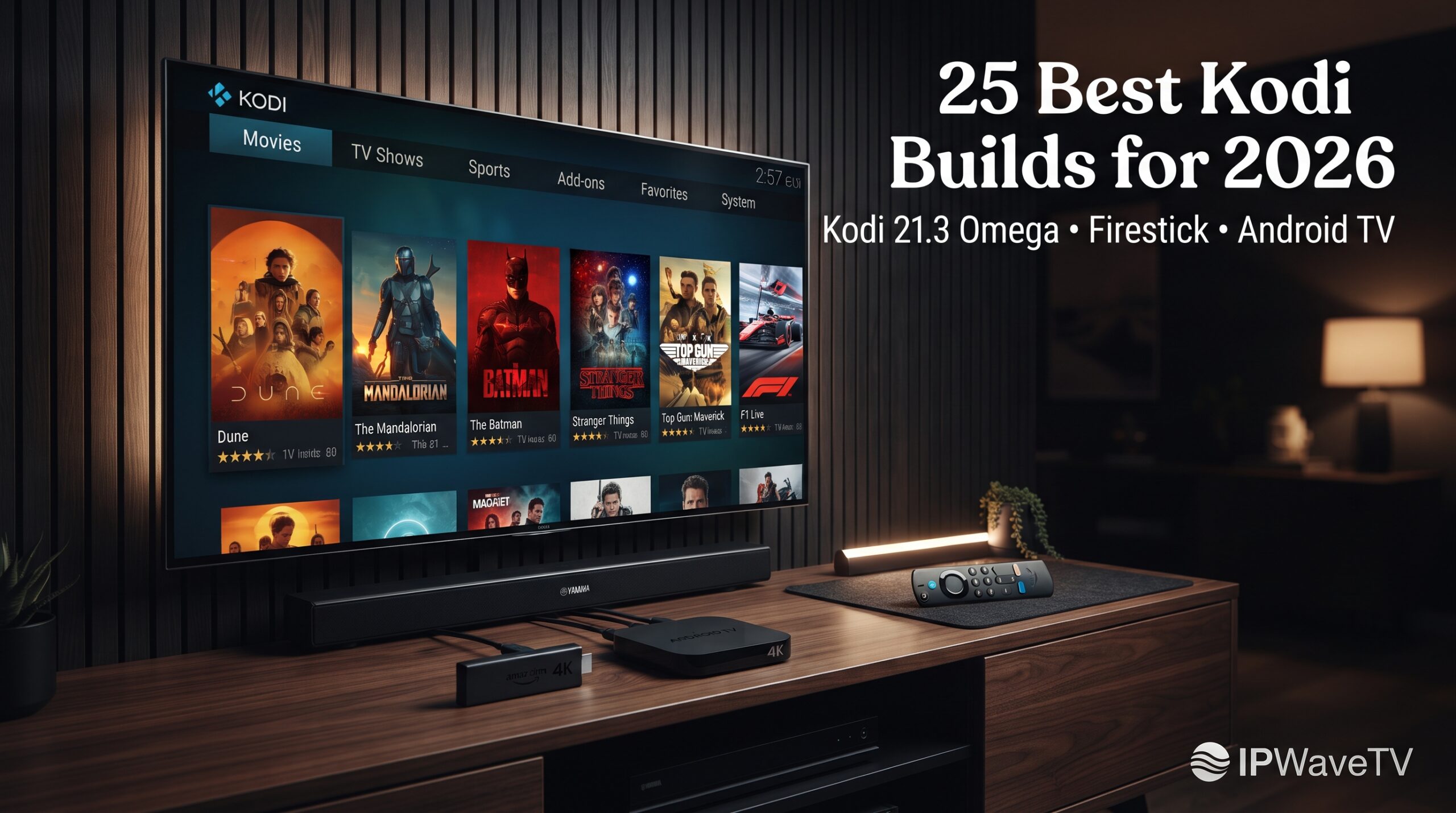
25 Best Kodi Builds for 2026 – Top Rated Kodi Builds for Firestick
25 Best Kodi Builds for 2026 (Kodi 21.3 Omega & Firestick Tested) If you are looking for the top rated Kodi builds in 2026, the right choice depends on your device, storage capacity, streaming habits, and preferred interface. Some builds prioritize speed and low memory usage, while others offer richer menus, widgets, sports sections, and video-on-demand (VOD) integrations. This guide compares the best Kodi builds 2026 users can consider for Kodi 21.3 Omega, Amazon Fire TV Stick, Android TV, Google TV, NVIDIA Shield, and PC. It also explains how Kodi builds work, how to install them safely, and how to reduce buffering and storage problems. Quick answer: Diggz Xenon is a strong all-in-one choice for users who want a feature-rich Kodi experience, while Coalition and Misfit Mods Lite are better suited to lower-powered Firestick devices. For this guide, Kodi 21.3 Omega is the target baseline because compatibility should always be checked before installing a build. Quick Comparison: Top Rated Kodi Builds in 2026 Kodi Build Kodi 21 Compatibility Approx. Size Best Device Main Feature Debrid Diggz Xenon AIO Yes ~650 MB Shield, PC, Firestick AIO interface Optional Coalition Yes ~80 MB Fire TV Stick Lightweight interface Recommended Aspire Yes ~267 MB Firestick, Google TV Sleek design Recommended Misfit Mods Lite Yes ~143 MB Firestick Lite Lightweight setup Optional Cosmo Yes Lightweight Firestick, Smart TV Dynamic interface No Green Monster Yes Medium Firestick, Android TV Sports/VOD Recommended POVico Yes Ultra-light Low-storage devices Minimalist UI Yes Build sizes and compatibility can change as developers release updates, so verify the current release before installation. Why Kodi 21.3 Omega Is the 2026 Baseline Before choosing among the top rated Kodi builds, check your Kodi version. Kodi 21, known as Omega, introduced important changes compared with older Kodi generations. In particular, changes to Python and add-on compatibility mean that very old builds designed for Kodi 18 Leia may no longer function correctly. Kodi 21.3 should therefore be treated as a useful baseline when researching a modern build, but users should always check whether a specific build officially supports their exact Kodi version. Firestick Hardware Matters Amazon Fire TV devices have considerably less processing power and storage than many PCs and NVIDIA Shield devices. A complicated skin with numerous widgets can consume additional resources and make navigation slower. This is why lightweight builds are often preferable on entry-level streaming sticks. A simple interface with fewer automatic updates, background artwork, and widgets can provide a noticeably smoother experience. Category 1: Best All-in-One Kodi Builds 1. Diggz Xenon Diggz Xenon is one of the most recognizable names when discussing the best Kodi builds. Its appeal comes from its all-in-one approach and highly customized interface. The build has traditionally offered access to multiple content categories and integrations, with different configurations available depending on the user’s setup. It is better suited to users with more capable hardware because a large, feature-rich interface can require more storage and memory. Best for: NVIDIA Shield, PC and higher-spec Android TV devices. 2. Enigma Silvo Enigma Silvo focuses heavily on presentation, using the Silvo skin and customized widgets to create a polished interface. Its appeal is particularly strong for users who want a traditional Kodi experience but with a more organized home screen. 3. Doomzday Doomzday builds are designed as general-purpose Kodi setups with categories covering different types of entertainment. The main advantage is convenience: instead of configuring every visual element manually, users receive a preconfigured interface. 4. Grindhouse Grindhouse provides multiple build styles under one ecosystem. Different options can appeal to users who prefer darker themes, retro-inspired interfaces or entertainment-focused layouts. Because individual releases can change, always inspect the current build requirements before installation. Category 2: Best Lightweight Builds for Firestick For budget streaming devices, lightweight builds are often more practical than visually complex alternatives. 5. Coalition Coalition is an excellent example of a compact Kodi build. At roughly 80 MB in the configuration described in this guide, it is considerably smaller than many feature-heavy alternatives. Its simple dark interface also works well with a Fire TV remote. Best for: Fire TV Stick users prioritizing speed and simplicity. 6. Aspire Aspire offers a balance between visual customization and relatively modest resource requirements. At approximately 267 MB, it is larger than Coalition but can still be appropriate for compatible Firestick and Google TV devices. 7. Misfit Mods Lite Misfit Mods Lite is designed with lower-powered devices in mind. Its compact interface and maintenance tools make it particularly interesting for Fire TV users. The “Lite” configuration is worth considering when storage and memory are major concerns. 8. BigKev — The Small Build BigKev’s smaller builds focus on keeping navigation straightforward while maintaining a distinctive dark interface. The reduced amount of visual clutter makes this type of build attractive to users who dislike complicated home screens. 9. POVico POVico takes a minimalist approach and centers the experience around a single primary add-on. This can reduce unnecessary interface elements and make navigation faster on devices with limited resources. Category 3: Best Visual & UI-Focused Builds 10. Cosmo Cosmo focuses on presentation with dynamic backgrounds and a retractable navigation system. It can be a good choice for users who care more about visual design than having the smallest possible installation. 11. Arctic Rain Arctic Rain uses modern artwork, fan-art backgrounds and smooth transitions to create a premium-looking interface. The design can be attractive on large televisions, although users with low-end hardware should always consider the additional resources required by animated or artwork-heavy interfaces. 12. Redflix As its name suggests, Redflix takes inspiration from commercial streaming platforms. The interface emphasizes straightforward categories and familiar navigation, making it potentially easier for beginners transitioning from mainstream streaming applications. 13. Hard Nox Hard Nox uses an Aeon Nox-based design with widgets and a futuristic appearance. It is visually impressive, but heavier skins can require more resources than minimalist alternatives. Category 4: Best Sports & VOD-Oriented Builds 14. Green Monster Green Monster combines a dark interface with categories aimed at sports and
Best Premier League IPTV Providers 2026 | Tested for 4K & Live Sports
Best IPTV for Premier League 2026: 4K, Live Sports & Buffering Guide If you are searching for the best Premier League IPTV providers in 2026, there is one important distinction to make before comparing channel counts and monthly prices: IPTV is simply a method of delivering television over an internet connection. The legality depends on whether the service has the appropriate rights to distribute the content. For Premier League fans in the UK, the current live-rights picture is relatively straightforward. Sky Sports and TNT Sports are the authorised live television broadcasters for the 2025/26 season and the wider 2025/26–2027/28 rights cycle, while BBC Sport provides free-to-air highlights. Quick Takeaway: What Is the Best IPTV for Premier League? For UK viewers who want reliable Premier League streaming, the safest choice is an authorised IPTV or streaming package from the rights holder rather than an unverified reseller advertising thousands of channels for a few pounds per month. Quick summary: Sky Sports offers the largest share of Premier League matches in the UK, while TNT Sports provides its own package of live fixtures and is available through modern streaming platforms. For picture quality, a fast internet connection, Ethernet or strong 5GHz Wi-Fi, and a capable 4K television or streaming device can make a larger difference to performance than the IPTV app itself. Category Recommended option Main advantage Typical consideration Best overall UK coverage Sky Sports Largest share of Premier League matches Requires a Sky subscription/package Best TNT Sports option TNT Sports via HBO Max Live TNT Sports content through streaming Separate sports subscription Best free highlights BBC Sport Free-to-air highlights Not live Premier League matches Best streaming hardware Fire TV/Android TV + reputable player Flexible internet-based viewing App/device performance matters Best picture quality Authorised 4K-capable service + compatible hardware Stable HD/4K experience where available Requires sufficient bandwidth The Real Cost: IPTV UK vs Sky Sports and TNT Sports Price is one of the biggest reasons football fans search for the best IPTV providers for Premier League. However, extremely cheap IPTV subscriptions should be treated cautiously. A £5-or-less subscription promising tens of thousands of channels, every premium sports channel and every international league is not automatically a bargain. The key question is whether the provider has the rights to distribute those channels. Sky’s current pricing varies according to the package and whether you are an existing customer. Sky states that new customers can currently take a Sky TV package including Sky Sports from £35 per month on a 24-month term, while existing customers can add Sky Sports from £20 per month under certain offers. Sky also offers more flexible arrangements, with prices subject to change. TNT Sports is another important part of the UK Premier League picture. In 2026, TNT Sports has moved to HBO Max as its streaming home in the UK, providing access to live TNT Sports content including Premier League fixtures. The important comparison therefore isn’t simply: “£5 IPTV versus £100+ TV package.” It is: “Does the cheaper service actually have legal rights to provide the channels and matches it advertises?” That distinction can save viewers from unreliable streams, disappearing playlists, misleading subscriptions and potentially infringing services. Premier League Broadcasting Rights and the Saturday 3pm Blackout Understanding the rights structure makes it much easier to identify the best IPTV for Premier League viewing. Official UK broadcaster map For the 2025/26–2027/28 rights cycle, Premier League live television rights in the UK are held by Sky Sports and TNT Sports. BBC Sport remains the free-to-air highlights partner. International rights are sold separately. The Premier League’s official rights list includes NBC Sports in the United States, Fubo in Canada, beIN Sports in the Middle East and North Africa, and Viaplay in Denmark and Finland, among other territory-specific broadcasters. These international licences are territorial. Having a legitimate subscription in one country does not automatically give a viewer the right to use that service to watch Premier League matches in another country. How the 3pm Saturday blackout works One of the most misunderstood aspects of Premier League streaming is the Saturday afternoon blackout. UK broadcasters do not show live domestic Premier League matches during the traditional Saturday 3pm closed period. The Premier League confirms that the 2025/26 rights cycle continues to exclude matches played during the Saturday 15:00 closed period from live UK television coverage. The rule exists to protect attendance at football matches and encourage participation in the wider game. The Premier League has also specifically warned against unauthorised systems being used by commercial premises to circumvent the restriction. So if an IPTV seller promises “every Premier League match including every UK 3pm Saturday fixture,” that should be treated as a major warning sign, not a selling point. How to Evaluate an IPTV Service for Live Football A good sports-streaming review should test more than whether a channel loads on a quiet Tuesday afternoon. If you are comparing the best Premier League IPTV providers, evaluate these factors: Peak-time reliability Football creates huge simultaneous demand. Test the service around major live fixtures rather than assuming good performance during low-demand periods. Frame rate For football, frame rate matters. A stable 50fps or 60fps feed produces smoother ball movement and camera pans than a heavily compressed 25fps or 30fps stream. Picture quality Look beyond the “4K” label. Genuine resolution, bitrate, encoder quality and your television’s processing all affect the final image. Backup feeds A reputable authorised service should have robust infrastructure. If an unofficial provider repeatedly asks customers to switch between dozens of backup streams whenever a match begins, that is a sign that reliability may be poor. Customer support Before subscribing, check whether the provider publishes clear company information, terms, privacy policies and legitimate support channels. Reviews of Popular Premier League Streaming Options Rather than ranking unverified IPTV resellers, here is how the principal authorised options compare. 1. Sky Sports — Best Overall UK Premier League Coverage Sky Sports is the strongest option for viewers who want the broadest share of live Premier League coverage available through one UK broadcaster. Sky says
How to Configure IPTV on a Wireless Router 2026(For Best the New Logo) | IPWAVETV
How to Configure IPTV on Smart TV, Android, Apple & More | IPWAVETV IPTV Installation Guide Configuring IPTV can seem complicated when you see terms such as Xtream Codes, M3U playlist, IPTV player, server URL, username, and password for the first time. In reality, setting up IPTV is usually straightforward once you know which information belongs in each field. With Configure IPTV, you can configure your IPTV subscription on compatible devices such as Smart TVs, Android devices, Apple devices, computers, MAG devices, and other supported platforms. The exact installation process depends on the device and IPTV application you are using, but the general principle remains the same: install a compatible IPTV player, enter the subscription details provided to you, and allow the application to load your available content. This guide is designed to make the process easier by explaining the main configuration methods step by step. How to Configure Your IPTV Account Before beginning the configuration, make sure you have an active Configure IPTV subscription and the login information associated with your account. Depending on your setup, you may receive an Xtream Codes API login containing a server URL, username, and password, or an M3U playlist URL. Choose an IPTV player that supports the format provided with your subscription and install it on your device. When entering your information, copy the details exactly as supplied and avoid adding spaces or changing the server address. Once the credentials have been entered, save the configuration and allow the application a moment to connect to the service. If the login is successful, your available categories can then appear inside the IPTV application. Samsung & LG Smart TV Installation To configure IPTV on a Samsung or LG Smart TV, first connect your television to a stable internet connection. Open the TV’s application store and search for a compatible IPTV player available for your model and region. Install the application, launch it, and select the login method supported by your Configure IPTV subscription. If your credentials use Xtream Codes API, enter the server URL, username, and password into the corresponding fields. If you have an M3U playlist, select the playlist option and enter the complete URL supplied with your subscription. Save the information and wait for the application to load your content. Because Smart TV applications and menus can vary according to the model, operating system, and region, the names of buttons may be slightly different. Windows & macOS Installation You can also configure IPTV on a Windows PC or Mac computer using a compatible IPTV player. Start by installing a trusted application that supports the login format provided by your IPTV service. After opening the application, select the appropriate option, such as Xtream Codes API or M3U playlist. Enter your Configure IPTV credentials carefully and save the playlist or account profile. Once the application connects successfully, you can browse the available categories and start streaming supported content. If the playlist does not load, check your internet connection first, then verify the server address and login information. Testing Configure IPTV on a computer can also be a useful way to confirm that your credentials work before configuring another device. Apple Devices Installation For iPhone and iPad, download a compatible IPTV player from the App Store. The available applications may differ depending on your region and device, so select an application that supports your subscription format. Open the player and look for an option such as Xtream Codes, Xtream API, M3U URL, or Playlist. Enter the information supplied with your Configure IPTV subscription without modifying it. If you are using an M3U URL, make sure you paste the entire address because long playlist URLs can easily be copied incorrectly. After saving the playlist, allow the application to synchronize the available content. If you receive an authentication error, check the username, password, and server information before changing other settings. Android Devices Installation Android is one of the most flexible platforms for IPTV because it is available across smartphones, tablets, Android TV devices, and many compatible streaming boxes. Start by installing an IPTV player that supports the format provided with your IPWAVETV account. Open the application and select Xtream Codes API if you received a server URL, username, and password. Alternatively, choose the M3U playlist option if that is the format supplied to you. Enter your information carefully and save the account. Once the application connects to the service, you may see categories such as live channels, movies, series, favorites, or other available sections. For the best experience, use a stable internet connection and keep your streaming device reasonably up to date. STB Emulator Installation An STB Emulator can be used on compatible Android-based devices to reproduce the interface and functionality associated with certain IPTV set-top-box environments. The exact configuration depends on the Configure IPTV service and the emulator version you are using. If your IPWAVETV subscription provides a portal address specifically intended for an STB-compatible setup, enter the portal information exactly as supplied. Do not substitute an Xtream login or M3U playlist unless the application specifically supports that format. Once the portal has been configured, restart or reload the application if necessary and check whether the available content appears. Because emulator configuration can vary significantly between applications, always follow the credentials and technical instructions supplied for your particular subscription. MAG Device Installation For compatible MAG devices, IPTV configuration commonly involves entering portal information into the device’s network or portal settings. Connect the MAG device to your television and internet connection, then access its settings and locate the relevant portal configuration section. Enter the portal address supplied by your IPTV provider exactly as provided. Save the settings and restart the device if required. When the portal is correctly Configure IPTV and the subscription is active, the device can connect to the service. If the portal does not load, verify the internet connection and confirm that the portal information is correct. MAG configuration can differ depending on the device model and firmware, so avoid changing advanced settings unless you
Best IPTV for MAG 322 in 2026 – Ultimate Setup Guide | IPWaveTV
Best IPTV for MAG 322 in 2026: The Ultimate MAG 322 Setup Guide | IPWaveTV Choosing the best IPTV for MAG 322 is not simply about finding the provider with the biggest channel number or the lowest advertised price. The experience you get from a MAG 322 depends on several moving parts working together: the IPTV service, your internet connection, the portal configuration, video quality, server reliability, and the way the device is connected to your home network. Think of it like a car. A well-built car can still perform badly if the road is poor or the fuel is unreliable. The same principle applies to IPTV. A MAG 322 can provide a straightforward television experience, but it needs a compatible and properly configured service to perform well. For viewers researching IPTV for MAG 232, this guide explains the key factors to consider, how the setup works, how to troubleshoot common issues, and how IPWaveTV can fit into the process. The goal is to help you make an informed decision rather than choosing a service simply because an advertisement promises an enormous number of channels. Why the MAG 322 Is Still a Popular IPTV Device The MAG 322 remains recognizable among IPTV users because it was designed around a relatively simple concept: connect the box, configure the network, add a compatible portal, and access television content through the device interface. Unlike many modern streaming devices that depend heavily on installing applications, accounts, updates, and additional software, MAG devices traditionally focus on a dedicated IPTV environment. That simplicity can be attractive to someone who wants television without turning the experience into a complicated technology project. The device is also familiar to many households that have used MAG receivers for years, making the transition between services relatively straightforward when the new provider supports the required portal configuration. For this reason, searching for the best IPTV service for MAG 322 is still relevant even as newer Android TV and Google TV devices have become common. Simple Hardware and Reliable Performance One of the biggest advantages of a dedicated IPTV receiver is that the hardware has a focused purpose. You are not asking the device to function simultaneously as a gaming console, web browser, social media platform, and general-purpose computer. Its role is primarily centered around television playback. That focused design can make the user experience feel cleaner, particularly for people who prefer using a traditional remote control instead of navigating multiple applications. Of course, the hardware alone cannot guarantee perfect streaming. Your internet service and iderIPTV prov still have a major influence on playback. A stable connection combined with a properly configured MAG 322 can create a much smoother experience than a poorly configured system, even when both users own the same model. Compatibility With IPTV Services Compatibility should be one of the first questions you ask before purchasing an IPTV subscription. Not every IPTV service uses the same delivery method, and a service designed primarily for an Android application may not provide the portal information required by a MAG receiver. Before paying for a subscription, confirm that the provider explicitly supports MAG 322 or the relevant MAG platform. This is particularly important because the term IPTV describes a delivery technology rather than one universal application or service. A legitimate provider should be able to explain which devices it supports and what information is required for setup. If a provider cannot clearly explain compatibility, that uncertainty is a reason to investigate further before committing to a long subscription. What to Look for in the Best IPTV for MAG 322 The best IPTV service for your MAG 322 should be judged on more than marketing claims. Start with the fundamentals: compatibility, reliability, content availability, video quality, customer support, and transparent subscription terms. A provider advertising thousands of channels may look impressive, but numbers alone tell you very little about whether the service actually delivers the channels you watch. If you mainly watch sports, for example, you should check whether the provider legally offers the sports content you are interested in within your region. If movies and general entertainment matter more, examine the available categories and supported video quality. The right service is the one that matches your viewing needs while operating within applicable copyright and broadcasting laws. Channel Quality and Content Availability Content availability is one of the most important factors when comparing IPTV providers. Before choosing a subscription, create a short list of the channels, programs, sports competitions, or entertainment categories you actually watch. Then compare that list against the provider’s official offering. This approach is much more useful than being impressed by a large channel count. A service with fewer channels can be a better choice if it consistently provides the legitimate content you need. It is also sensible to consider regional availability because broadcasting rights differ between countries and territories. A provider should not suggest that a subscription automatically gives you access to every premium channel worldwide. Connection Stability and Server Performance Nobody wants to spend an evening repeatedly restarting a television stream. Stability is therefore one of the most valuable characteristics of an IPTV service. When evaluating a provider, look for transparent information about infrastructure, customer support, supported devices, and service status. A good provider should also make it reasonably clear how customers can report technical problems. Your home internet connection remains important, but provider-side reliability matters too. If your broadband connection is strong and other streaming platforms work normally while one IPTV service repeatedly freezes, the issue may be related to the service rather than your MAG 322. How to Set Up IPTV on MAG 322 Setting up IPTV on a MAG 322 generally involves connecting the device to your network and entering the portal information supplied by a compatible IPTV provider. The exact menu names can vary depending on the firmware version installed on the device, so it is best to follow the provider’s current setup instructions rather than relying blindly on an old tutorial. Before changing settings,

Best IPTV for Sports Fans: Watch Live Football 2026, UFC, NBA & More
Best IPTV for Sports Fans: Watch Live Football, UFC, NBA, and More If sports are a major part of your entertainment routine, you already know how frustrating modern television can be. One football match may be available on one broadcaster, another competition may require a completely different subscription, NBA games can vary by location, and premium combat-sports events may follow their own distribution model. The result is a viewing experience that can feel less like choosing a television service and more like solving a puzzle every weekend. IPTV, meaning television delivered through an internet connection, has become an important part of this conversation because it can bring live channels and sports programming into a single internet-based viewing experience. At the same time, the phrase “best IPTV for sports” should not simply mean the service advertising the largest channel number. A sports-focused IPTV solution needs to be judged by reliability, legitimate content rights, picture quality, device compatibility, electronic program guides, customer support, and performance when thousands or millions of viewers are watching at the same time. The modern sports-media landscape is becoming increasingly fragmented: the FCC noted in 2026 that major leagues such as the NFL, NBA, MLB, and NHL distribute games across broadcast television, cable, and multiple streaming platforms. That makes choosing a dependable viewing setup more important than simply counting channels. Why IPTV Has Become Popular With Sports Fans The appeal of IPTV is easy to understand. Instead of depending entirely on a traditional cable or satellite connection, best IPTV for sports uses an internet connection to deliver television programming to compatible devices. For a sports fan, that can mean watching live channels through a smart TV, streaming box, smartphone, tablet, computer, or another supported platform. The experience can be especially attractive for households that already use broadband internet as the center of their entertainment setup. Think of it like replacing a physical road network with a digital highway: your television content travels through the internet rather than arriving exclusively through traditional broadcast infrastructure. However, IPTV is a technology and delivery method, not automatically a guarantee that every channel or sporting event is legally available. The distinction matters. A legitimate best IPTV for sports provider must have the necessary rights or distribution arrangements for the programming it offers, while unauthorized services may advertise enormous sports libraries without having permission to distribute the underlying content. For sports fans, therefore, the smart approach is to look beyond marketing claims and investigate exactly what a service provides, where it operates, what rights it holds, and how transparent it is about its offering. The Problem With Traditional Sports Packages Traditional sports television can become expensive and complicated because sports broadcasting rights are divided among many companies. A fan who watches football, basketball, UFC, Formula 1, tennis, and international competitions may discover that no single subscription covers everything they want. The NFL’s official viewing guide, for example, currently lists multiple broadcast and streaming partners, including FOX, CBS, NBC, ESPN, Amazon Prime Video, Netflix, YouTube, Peacock, Paramount+, and others depending on the game and location. The NBA has taken a similar multi-platform approach, with its “Tap to Watch” system directing viewers toward the appropriate broadcaster or streaming service based on factors such as location and the particular game. This fragmentation explains why sports viewers increasingly search for more convenient ways to organize their viewing. The goal is not necessarily to find a magical subscription that legally includes every competition in every country, because rights simply do not work that way. The real goal is to create a simple, reliable, and legal sports-viewing setup that minimizes unnecessary subscriptions while giving you access to the competitions you actually watch. Fragmented Sports Broadcasting Rights Sports rights can change from season to season, which is one reason an best IPTV for sports buyer should avoid trusting old channel lists or outdated blog posts. A service that legitimately carried a competition last year may not have those rights this year. UFC provides a clear example of how quickly the landscape can change: beginning in 2026, all UFC numbered events and Fight Nights in the United States moved to Paramount+, with selected marquee events also simulcast on CBS under a seven-year agreement. Formula E has also announced a new global streaming agreement with Disney+ and ESPN covering 144 territories beginning with the 2026–27 season. These developments demonstrate why a “best IPTV” article should focus on selection criteria rather than making permanent claims about specific channel availability. If a provider promises access to premium sports, verify the legal basis and current availability for your country before subscribing. A trustworthy provider should be comfortable explaining its service rather than hiding behind vague claims such as “every channel worldwide.” What Makes the Best IPTV for Sports Different The best sports-oriented best IPTV for sports service is not necessarily the one with the longest channel list. In fact, a giant channel list can sometimes distract from the things that actually matter when you are watching a championship match or a major fight. Reliability should come first, because a beautiful 4K picture is useless if the stream freezes every few minutes. Next comes picture quality, especially for fast-moving sports where motion clarity matters more than it does during a normal television drama. Audio quality, stream latency, channel navigation, electronic program guides, replay functionality, device compatibility, and customer support can also dramatically affect the experience. Sports fans should think about best IPTV for sports like choosing a football stadium: capacity matters, but so do the pitch, lighting, seating, access, security, and organization. A service can advertise thousands of channels, yet still provide a poor experience if its interface is confusing or its streams become unstable during peak events. The strongest option is the one that consistently performs under real viewing conditions and clearly communicates what it can legally provide. Live Sports Coverage For sports fans, coverage should be evaluated by specific competitions, not vague phrases such as “premium sports included.” Football viewers may care about the

Cheapest IPTV in 2026: Affordable Streaming Guide | IPWaveTV
Cheapest IPTV in 2026: How to Find Affordable Streaming Without Sacrificing Quality Finding the cheapest IPTV subscription can sound simple. Search for the lowest price, enter your payment details, and start watching, right? Not necessarily. The IPTV market has become crowded, and prices can vary dramatically depending on the provider, subscription period, available features, streaming quality, device compatibility, and customer support. A service that costs slightly more but works consistently can easily provide better value than a suspiciously cheap subscription that constantly buffers or disappears. For viewers looking for affordable entertainment in 2026, the smarter approach is to think about value rather than price alone. IPTV, short for Internet Protocol Television, delivers television and other video content through an internet connection instead of relying exclusively on traditional cable, satellite, or terrestrial broadcasting. That flexibility can make IPTV attractive to people who want access to their preferred content across compatible devices without committing to expensive traditional packages. This guide explains what to look for when comparing affordable IPTV services, how to evaluate a subscription before paying, which devices commonly work with IPTV applications, and why internet quality can make such a huge difference. It also introduces IPWaveTV as an option for users researching affordable IPTV, while emphasizing an important point: users should always verify that the content they access is properly licensed and authorized for their location. What Does “Cheapest IPTV” Really Mean? When people search for cheapest IPTV, they usually want one thing: a way to reduce their monthly entertainment costs. However, the lowest advertised number is not always the cheapest option in practice. Imagine buying the least expensive pair of headphones available, only to replace them three times because they keep breaking. The original price looked attractive, but the total cost became higher than purchasing a reliable pair in the first place. The same principle applies to IPTV. A very low subscription price may come with limitations such as poor streaming stability, limited customer service, incompatible applications, unclear renewal terms, or insufficient information about the service. A slightly more expensive provider may offer a smoother experience, better compatibility, clearer terms, and responsive support. That is why affordable IPTV should be evaluated as a combination of cost, reliability, usability, and legitimate content availability. Another important consideration is subscription duration. A provider might advertise an inexpensive monthly plan while offering better value through a longer subscription. That does not automatically mean an annual plan is the right choice, though. If you have never tested a service, starting with a shorter subscription can reduce your financial risk and give you time to evaluate its performance. Price vs. Overall Value Price is an important factor, but it should not be the only factor. When comparing IPTV subscriptions, consider what you receive for your money. Does the service support the device you already own? Is the application easy to configure? Does the provider clearly explain its subscription terms? Can you contact support if something goes wrong? Think of an IPTV subscription like a car. Two cars may have similar prices, but one could consume more fuel, require more maintenance, and provide fewer features. The purchase price alone does not tell the entire story. With IPTV, value comes from the complete experience, including stability, compatibility, available content, customer service, and transparency. Before purchasing, make a simple comparison. Write down the subscription cost, contract period, supported devices, available features, trial options, refund policy, and customer support information. This makes it much easier to identify whether a service is genuinely affordable or simply using a low introductory price to attract attention. Why Extremely Cheap IPTV Can Be Risky An unusually cheap IPTV offer deserves closer attention. A price that appears dramatically lower than comparable legitimate entertainment services may indicate that the provider has limited infrastructure, unclear business practices, or content that may not be properly licensed. Cheap does not automatically mean illegal or unreliable, but extremely low pricing should encourage you to investigate before paying. Transparency is one of the strongest signals to look for. A responsible provider should explain what its service includes, which devices are supported, how subscriptions work, and how customers can obtain assistance. If a website provides almost no information beyond a payment button, that is a reason to slow down. Security matters as well. Avoid giving sensitive information to websites that look suspicious or lack basic security practices. Never install unknown software simply because a seller promises access to premium channels. A bargain is not a bargain if it puts your device, account, or personal information at risk. How to Compare IPTV Prices Comparing IPTV prices becomes easier when every provider is evaluated using the same criteria. Instead of looking only at the headline price, calculate the effective monthly cost and compare what is included. For example, a three-month subscription costing €30 has an effective cost of €10 per month, while a €60 six-month subscription has the same effective monthly price. The next step is to examine the service itself. Two subscriptions with identical monthly costs may offer very different experiences. One might have better device compatibility, clearer instructions, stronger support, or a more convenient application. If the provider offers a legitimate trial, that can be particularly useful because you can test the experience before committing to a longer period. You should also consider your own viewing habits. Someone who watches television occasionally may not need a long subscription. Someone who watches streaming content every day may place more value on reliability and convenience than saving a few euros. Monthly, Quarterly, and Annual Plans Monthly plans generally provide the greatest flexibility. They allow you to test a service without making a large upfront commitment. The downside is that the effective monthly price can sometimes be higher than longer-term plans. Quarterly plans can provide a middle ground. You receive a longer testing period while avoiding the larger upfront cost of a yearly subscription. For many users, this is a practical way to evaluate whether an IPTV service fits their routine. Annual plans
